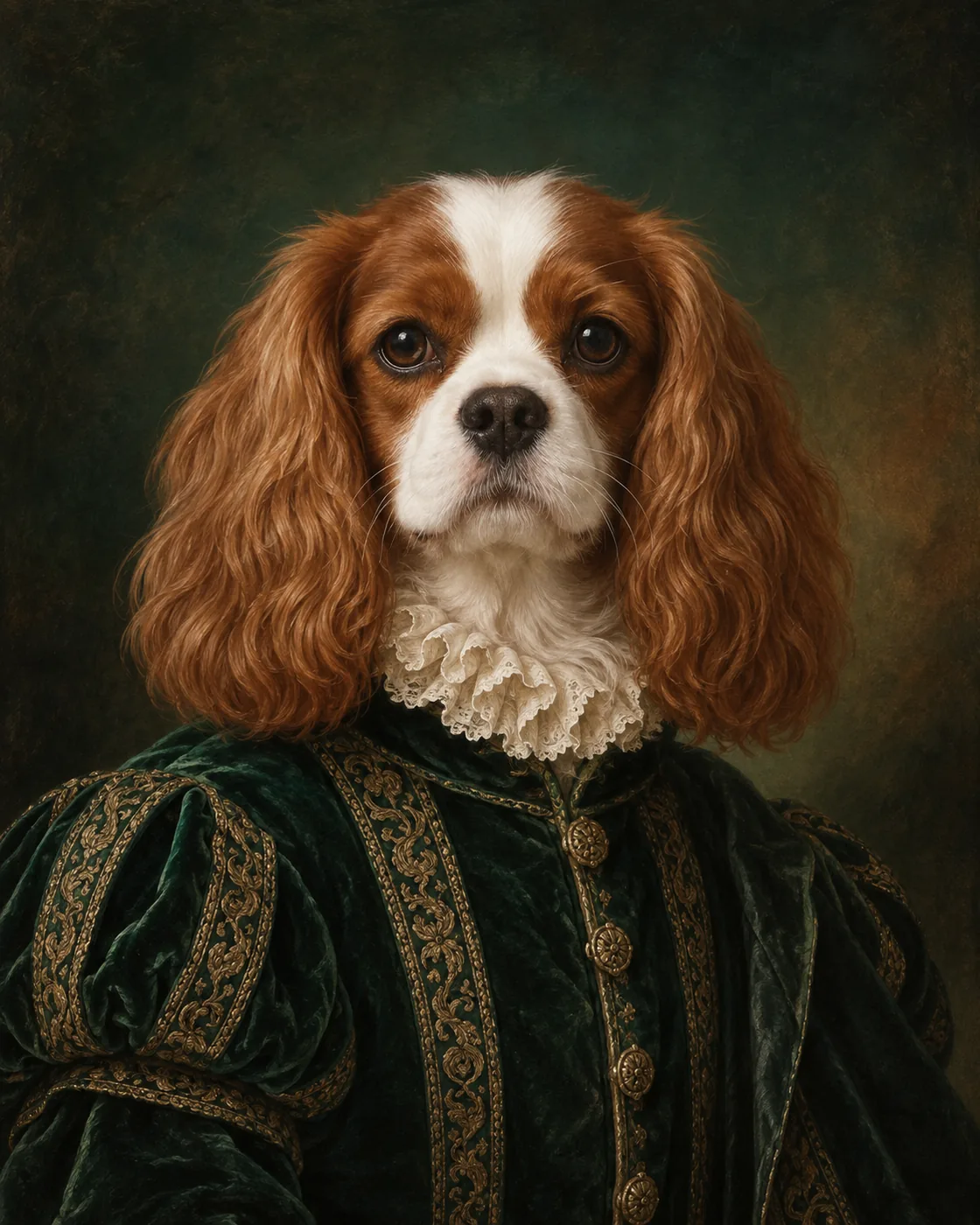
 Royal Portrait
Upload once
Try every available styleDrop your pet photo hereFront-facing or three-quarter photos work best.
JPG, PNG or WEBP · up to 10 MB
JPG, PNG or WEBP · up to 10 MB
Your photo is readyChoose a style on the right, or click to replace it.
Creating your portrait…
Applying the selected style
Usually ready in about 20–30 seconds
Your recent portraits stay on this device.
Explore the possibilities
From one pet photo to many finished looks
Choose a style card before or after uploading. Your original photo stays ready while you compare different directions.
Royal Portrait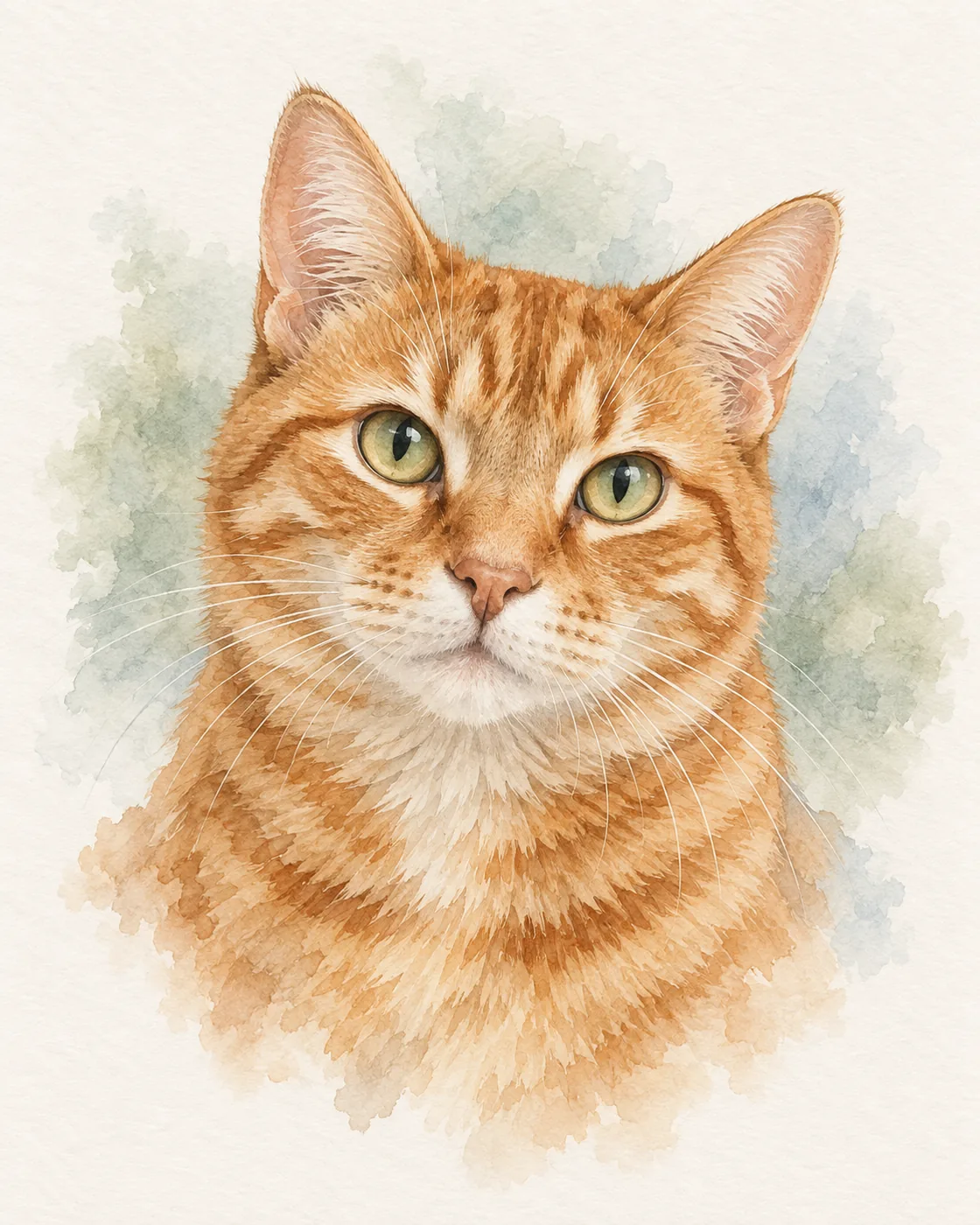 Watercolour
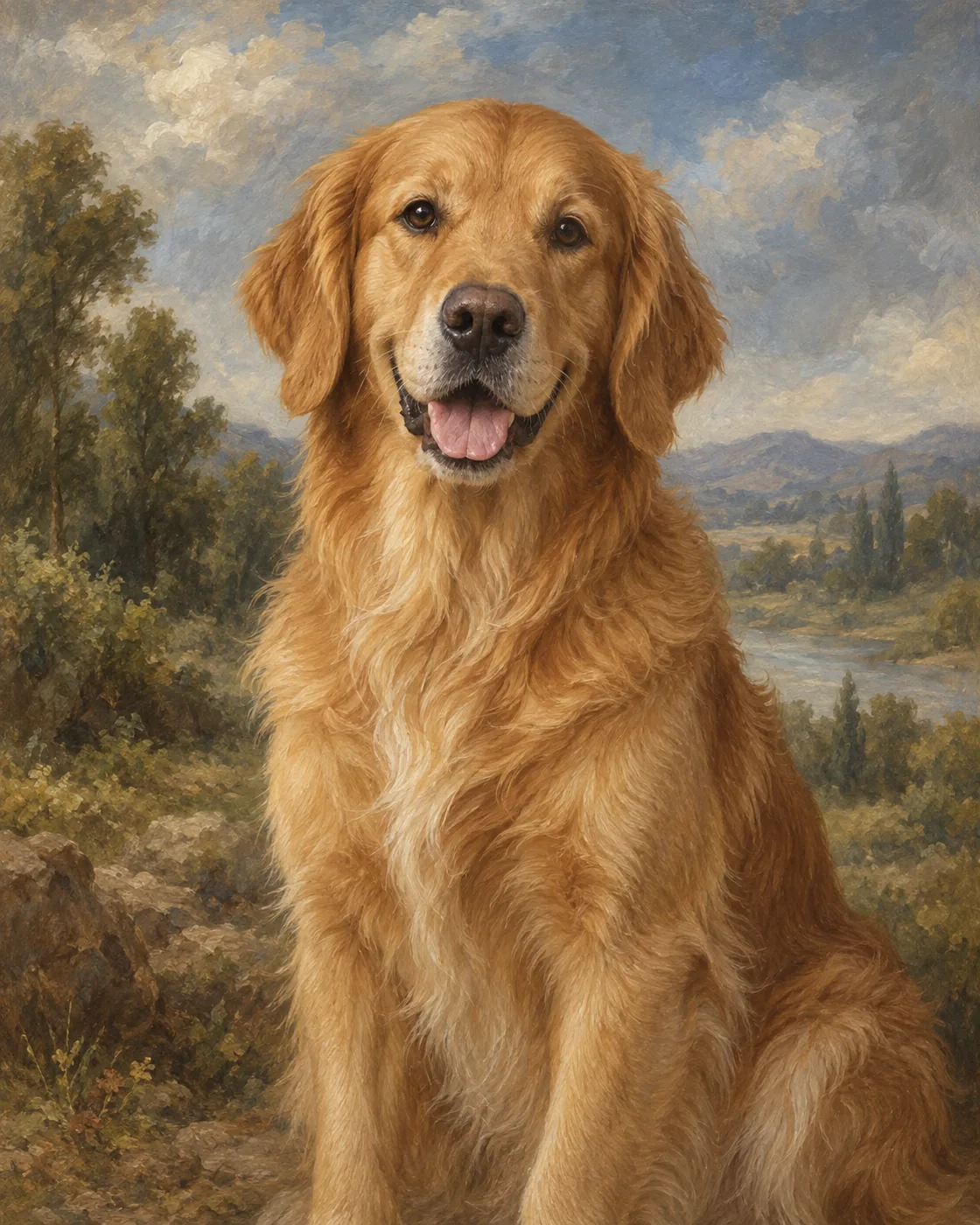 Classic Oil
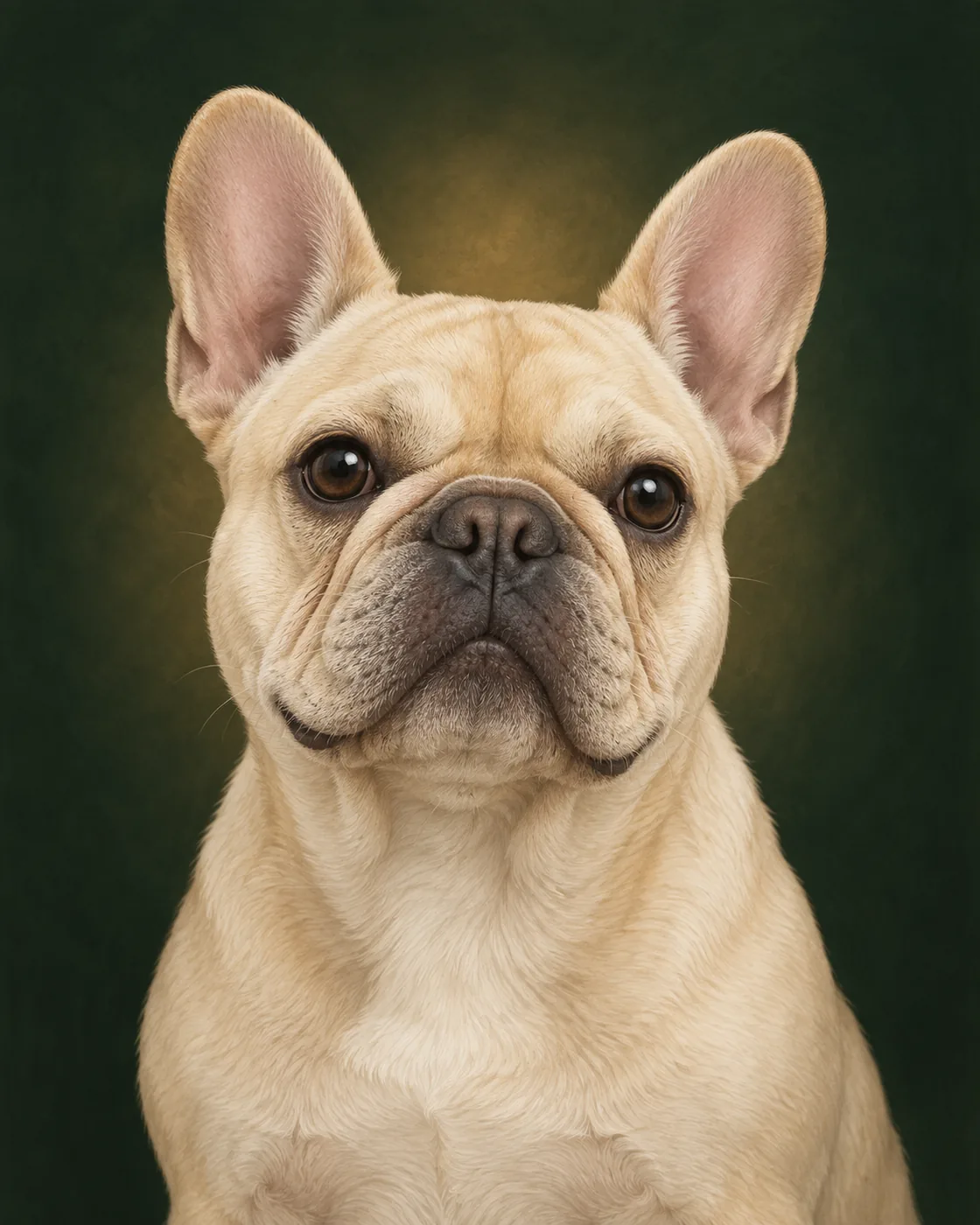 Modern Cartoon
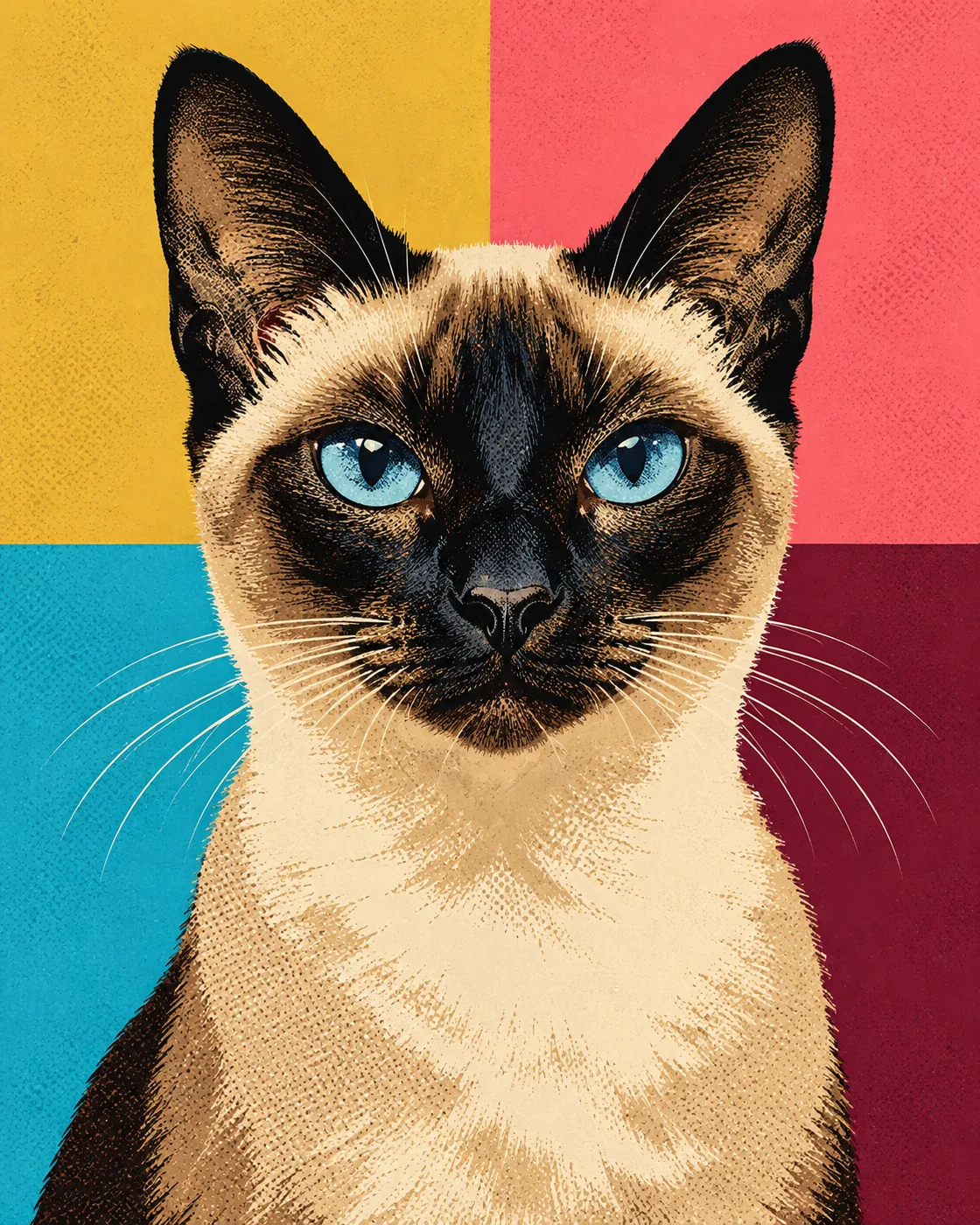 Pop Art
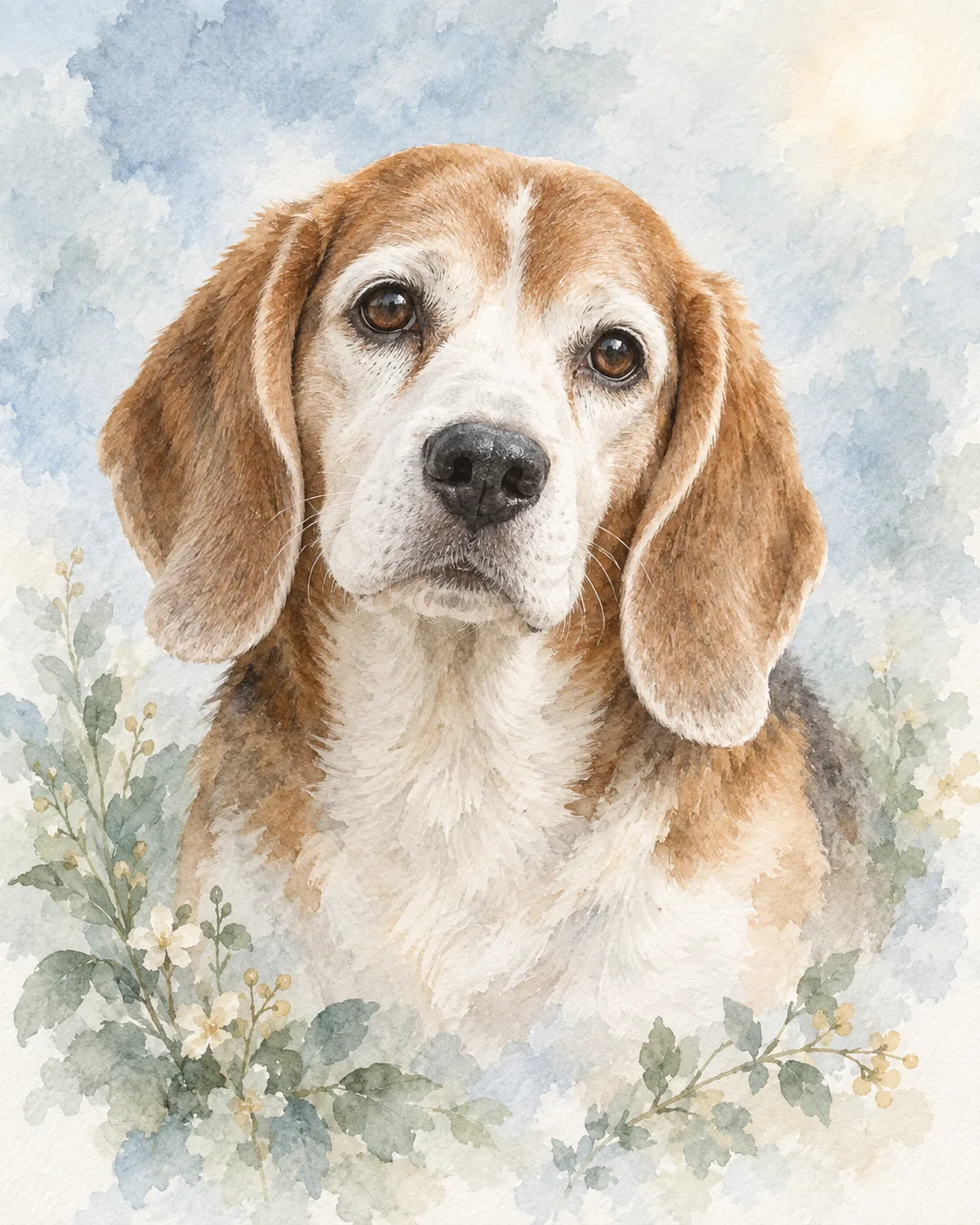 Gentle Memorial
How it works
Create an AI pet portrait in three steps
1
Upload one photo
Choose a clear JPG, PNG or WEBP photo where the face, eyes, ears and markings are visible.
2
Choose an art style
Browse royal, painting, cartoon, fantasy, modern and memorial looks without uploading again.
3
Generate and compare
Wait for the progress bar, review the watermarked result and try another style if you want a different direction.
Better input, better result
What photo works best?
A useful source photo makes it easier to preserve the individual details that make your pet recognisable.
Use clear natural light
Avoid deep shadows and strong color filters. Make sure both eyes and the coat pattern can be seen.
Keep the face large
Eye-level or three-quarter portraits work well. Avoid distant photos where the pet occupies only a small part of the frame.
Avoid heavy obstruction
Choose a photo without furniture, hands or another animal covering the ears, muzzle or distinctive markings.
Who it is for
Make artwork for the moments that matter
Pet parents
Turn a favorite everyday photo into artwork for your phone, profile or home.
Personal gifts
Create a recognisable portrait for a birthday, holiday or thoughtful pet-parent surprise.
Gentle remembrance
Choose a restrained watercolor, charcoal or monochrome style for a personal memorial keepsake.
Try the portrait before deciding what to keep.
Create two watermarked previews free. Later, unlock one finished result or choose a non-expiring portrait credit pack. Checkout is still being prepared.
Questions
AI pet portrait generator FAQ
How do I turn a pet photo into a portrait?
Upload one clear photo, select a finished art style and press Generate. The uploaded photo stays available while you compare styles.
Is this AI pet portrait generator free?
You can create two watermarked portrait previews per device or network without opening an account. Current download and credit prices are listed on the pricing page.
Can I create dog and cat portraits?
Yes. The generator works with clear photos of dogs, cats and other companion animals. Results depend on the visibility and quality of the source photo.
Do I need to write an AI prompt?
No. Choose a visual style and the studio applies the prepared art direction for you.
How long does a portrait take?
Most results are ready in about 20–30 seconds. The progress indicator estimates the remaining wait while the provider processes the image.
Why does the free result have a watermark?
The watermark lets you evaluate the exact portrait before paid downloads are introduced. It is placed so you can judge the result while protecting the finished file.