1
Choose a watercolor look
Browse all 24 examples and select one of the 12 finished treatments, from soft classic washes to floral, expressive or vintage styles.
Upload one clear photo, choose a finished watercolor look, and create a portrait that keeps the eyes, markings and expression recognisable. Try two watermarked previews free—no prompt writing needed.
Compare soft washes, controlled detail, floral frames, expressive colour and quiet memorial treatments before you upload. Each template works with your own dog, cat or other pet.
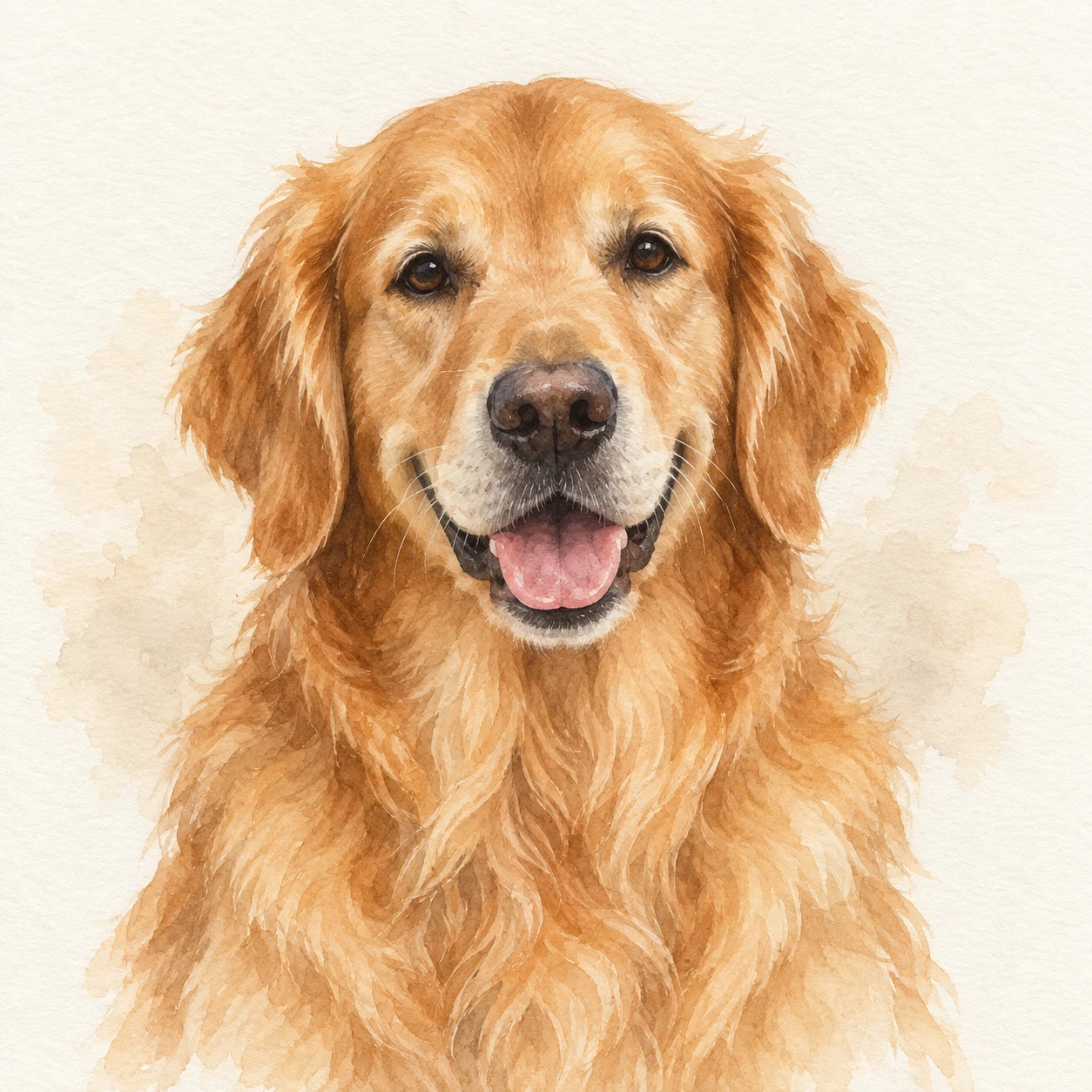
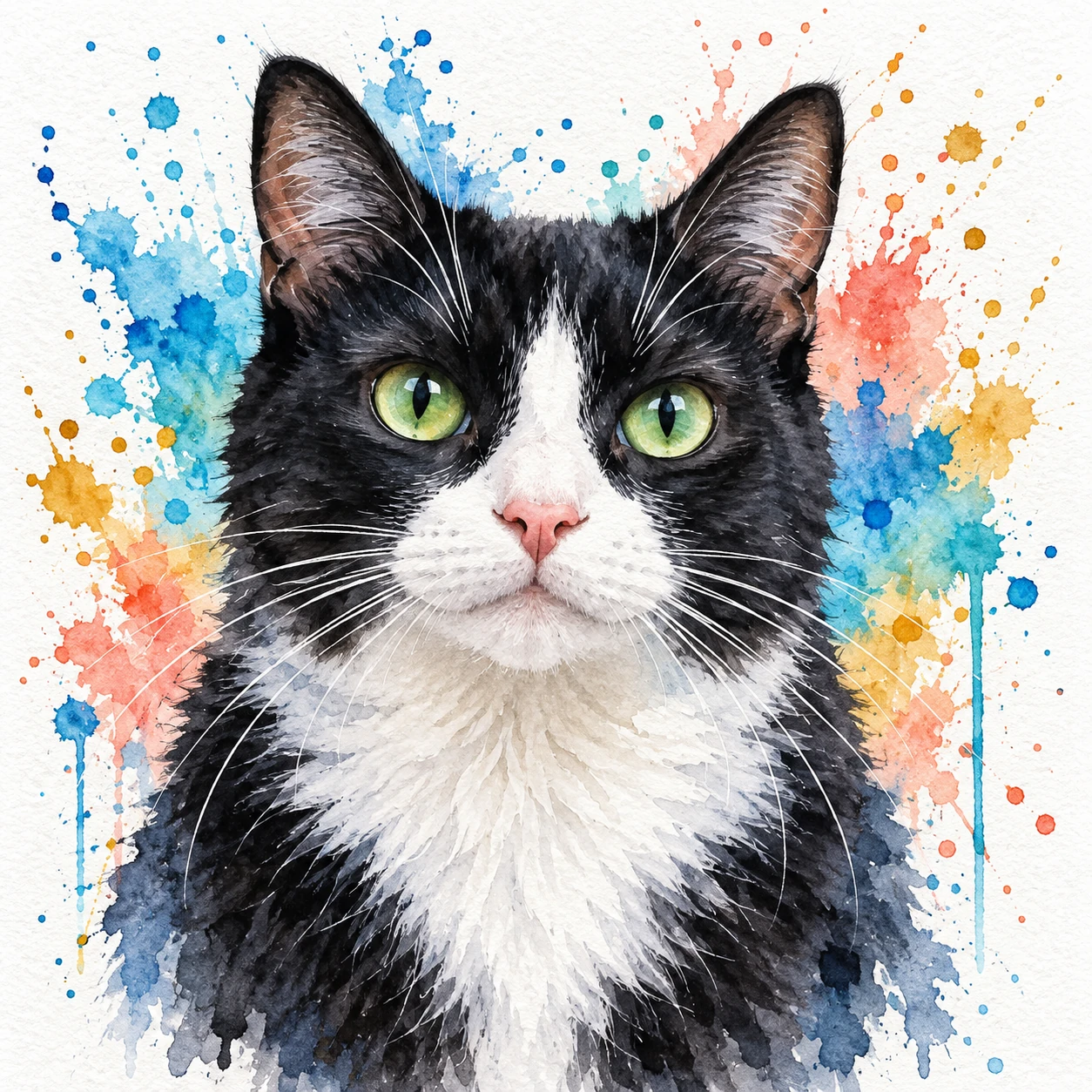
12 finished looks, shown across 24 pets so you can judge each treatment on different coats, colours and species.
Upload once. Your pet photo stays ready while you move between every watercolor look.
Start with the finished look you want, then use one clear photo. You can compare styles without uploading again.
Browse all 24 examples and select one of the 12 finished treatments, from soft classic washes to floral, expressive or vintage styles.
Use a sharp front-facing or three-quarter image with the eyes, ears and distinctive markings visible.
Generate a watermarked preview in about 20 to 30 seconds, then keep the same photo and try another style.
A good watercolor portrait feels handmade without losing the features that identify your pet. Our templates guide the model to preserve facial structure, eye colour, coat markings and expression while changing the image into transparent washes, layered pigment or dry-brush detail.
Classic, pastel and white-paper styles keep the composition light, calm and easy to display.
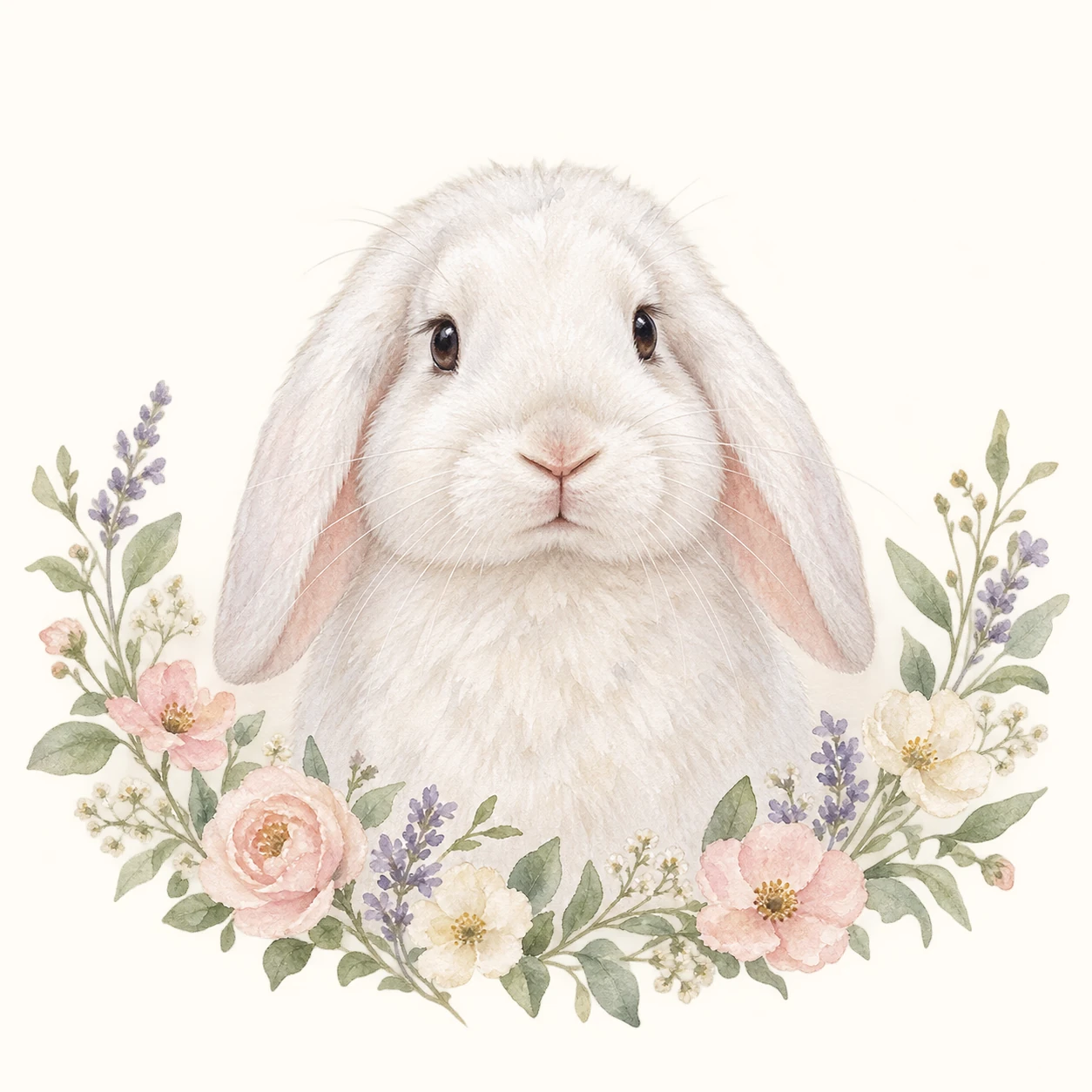
Wreath, sage and wildflower templates add a finished setting while keeping the pet as the focal point.
Loose wash, ink, dry brush and colour splash add stronger energy without hiding the face.
The gallery uses different animals to test how each treatment handles short fur, long fur, dark coats, bright markings, feathers and paired pets. The example animal is only a preview—the selected template is applied to your uploaded photo.
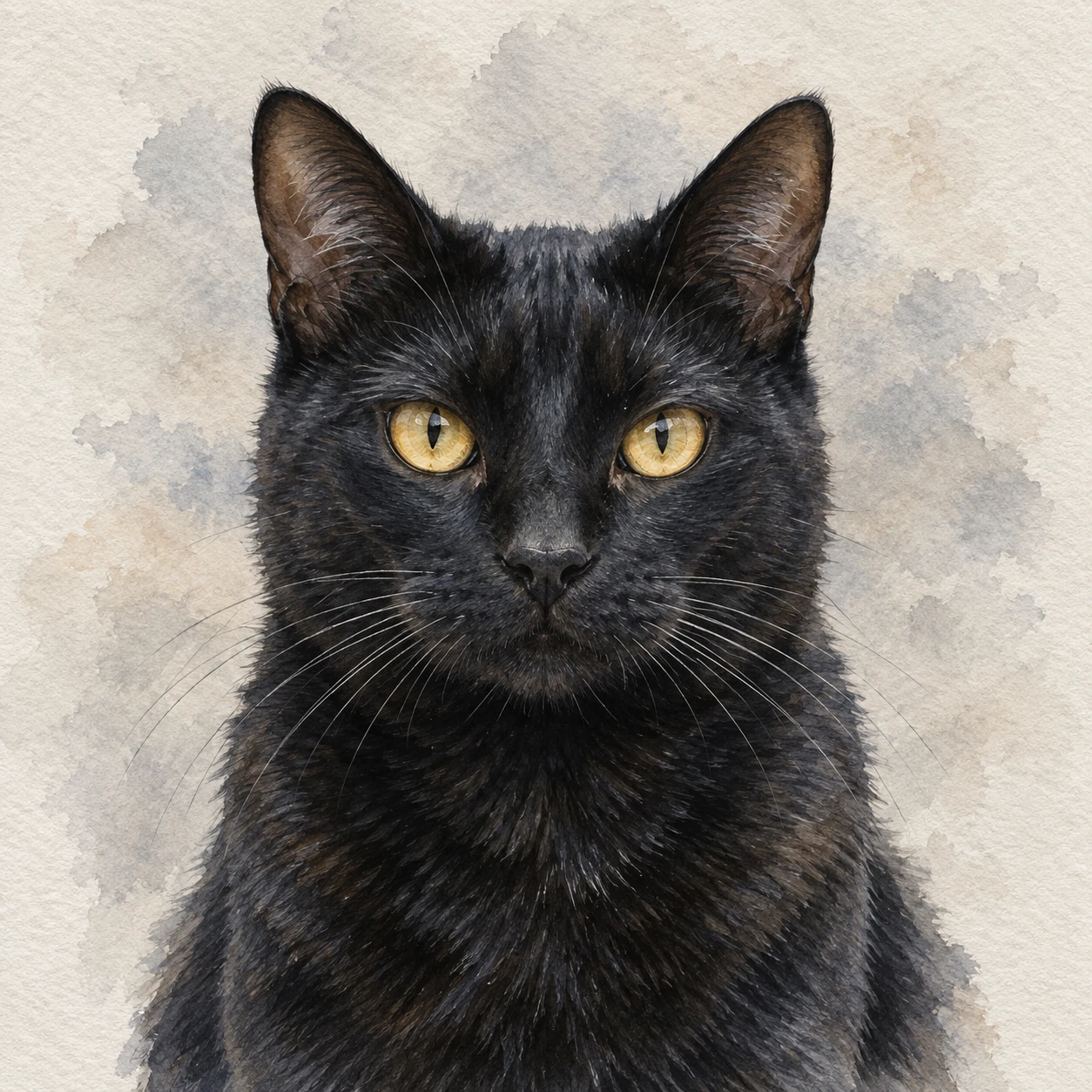
Choose a sharp photo where your pet fills most of the frame. Front-facing and three-quarter views give the model the clearest reference for the eyes, muzzle, ears and coat pattern.
Each generation creates a digital watercolor pet portrait preview. You receive two free watermarked previews on the same device or network, can keep recent results on the device and can switch styles without uploading again.
Explore the broader AI pet portrait generator, browse dedicated dog portraits and cat portraits, compare royal pet portraits, or review current portrait pricing.
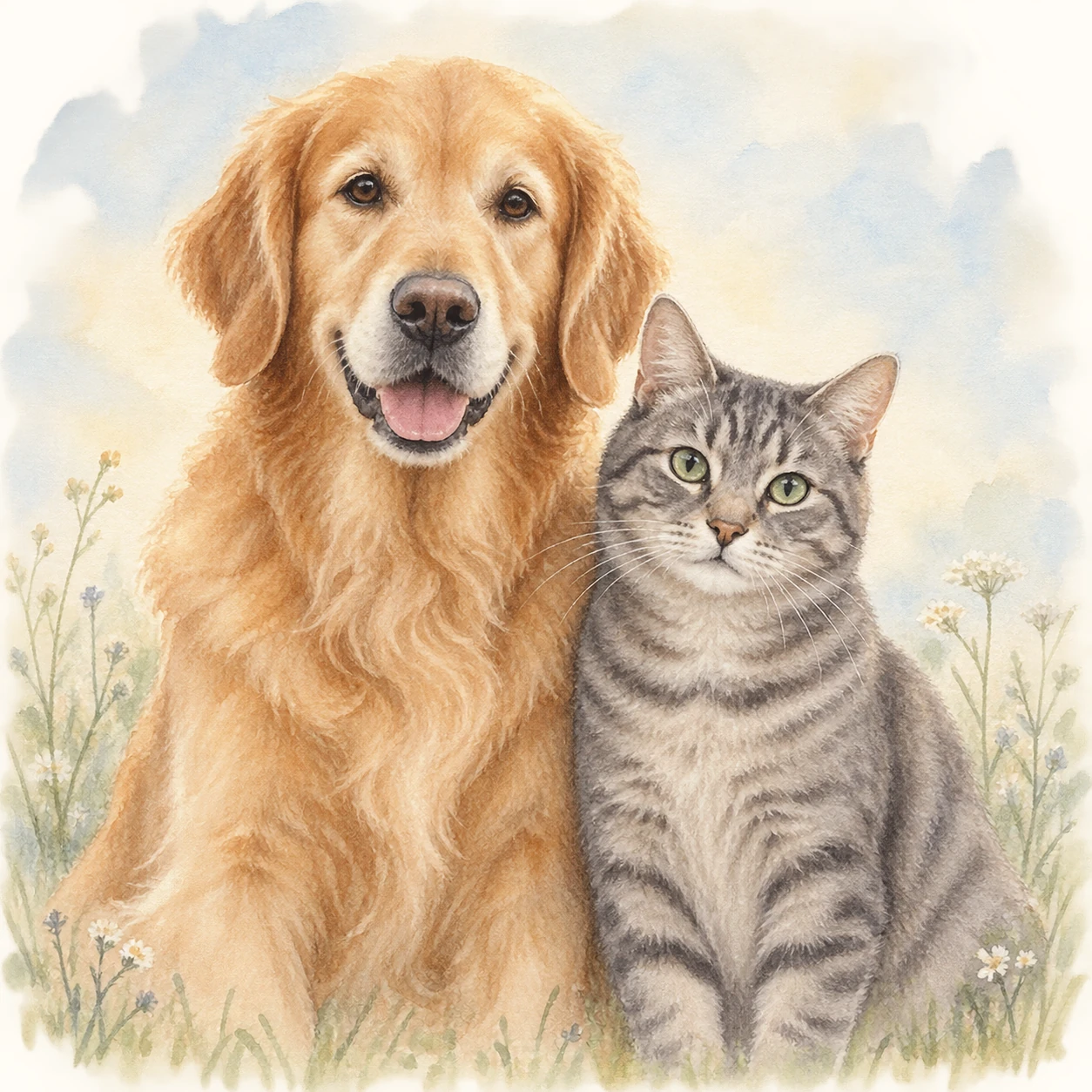
Choose a finished watercolor look, upload one clear pet photo and create a watermarked preview. Your photo stays ready while you compare other watercolor styles.
Yes. The generator uses your uploaded photo as the identity reference, then applies the watercolor treatment you select while keeping the pet's eyes, markings, expression and proportions recognisable.
Use a sharp front-facing or three-quarter photo in soft natural light. Keep both eyes, complete ears and distinctive coat markings visible, and avoid strong filters or motion blur.
Yes. Every watercolor template can be used with dogs or cats. The gallery also includes a rabbit, horse and macaw to show how the same visual system works with other pets.
You can compare 12 finished looks, including classic soft, detailed, minimal white, pastel, loose wash, ink and dry brush, floral, botanical, wildflower, color splash, vintage sepia and gentle memorial watercolor.
The prompt system prioritises facial structure, eye colour, coat pattern, markings and expression. A clear source photo gives the generator the strongest identity reference.
Yes. You can create two free watermarked previews per device or network so you can compare results before future paid download options are introduced.
Most portraits finish in about 20 to 30 seconds. The progress display is a time-based estimate while the image provider completes the request.
Yes. The gentle memorial style uses soft natural light, restrained greenery and a calm paper finish without automatically adding symbolic or religious imagery.
Save the generated portrait directly to your device.
Payment and additional download options will be connected later.