1
Choose the finished look
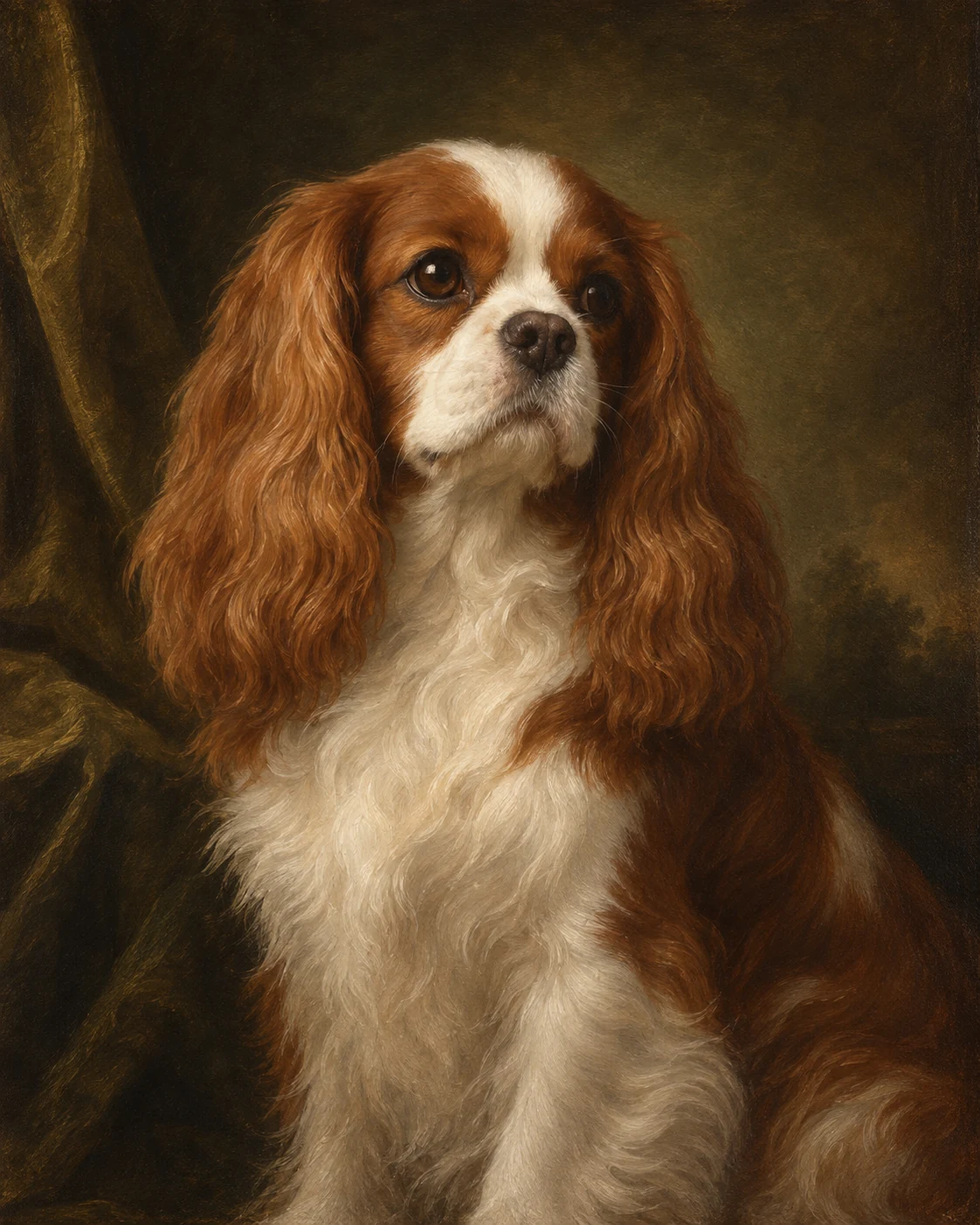
Start with a royal outfit, oil painting, watercolour, cartoon, funny costume or gentle memorial style.
Choose a finished look, upload one clear photo, and create a custom dog portrait that still feels like your dog. No prompt writing and no need to upload again when you switch styles.
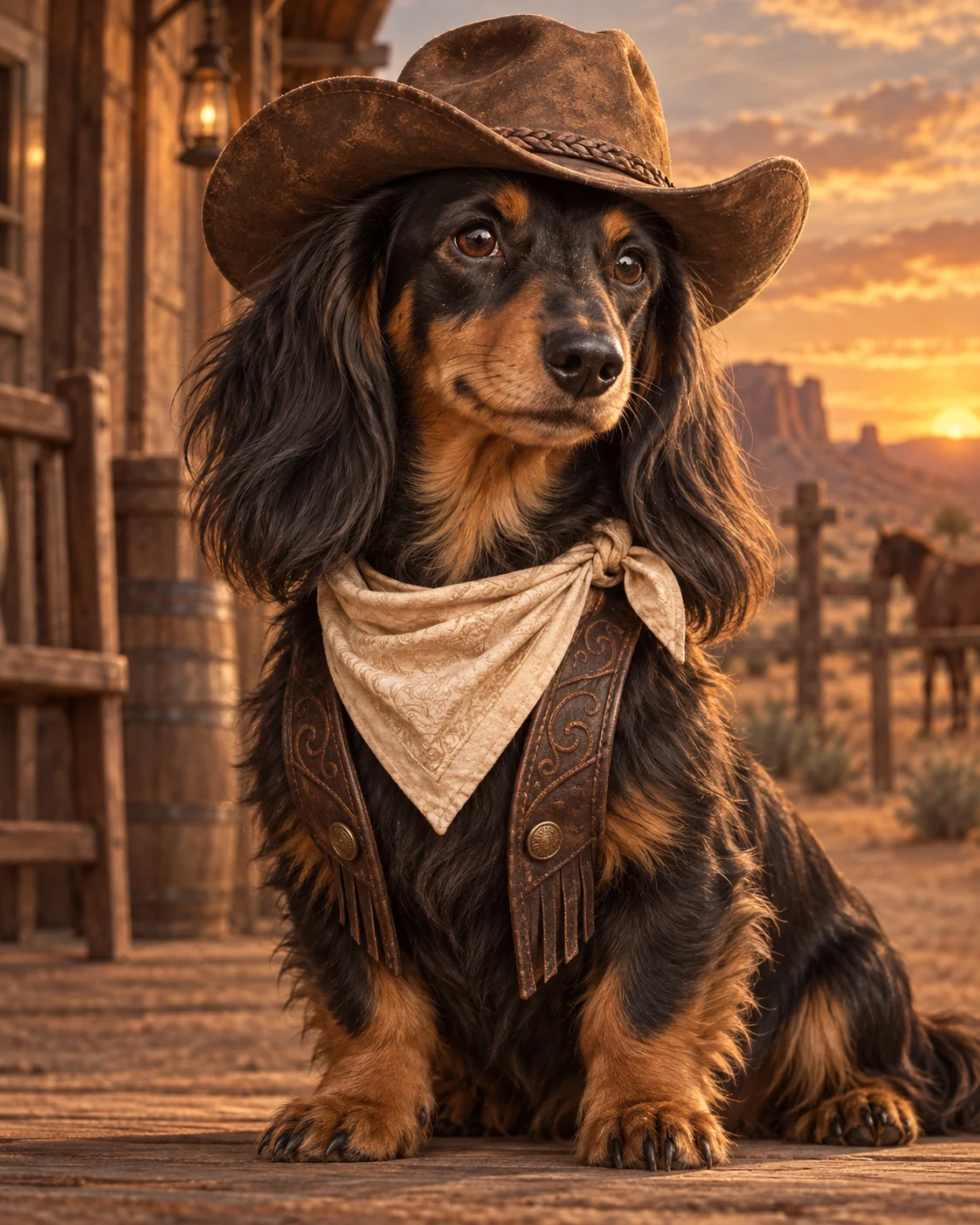
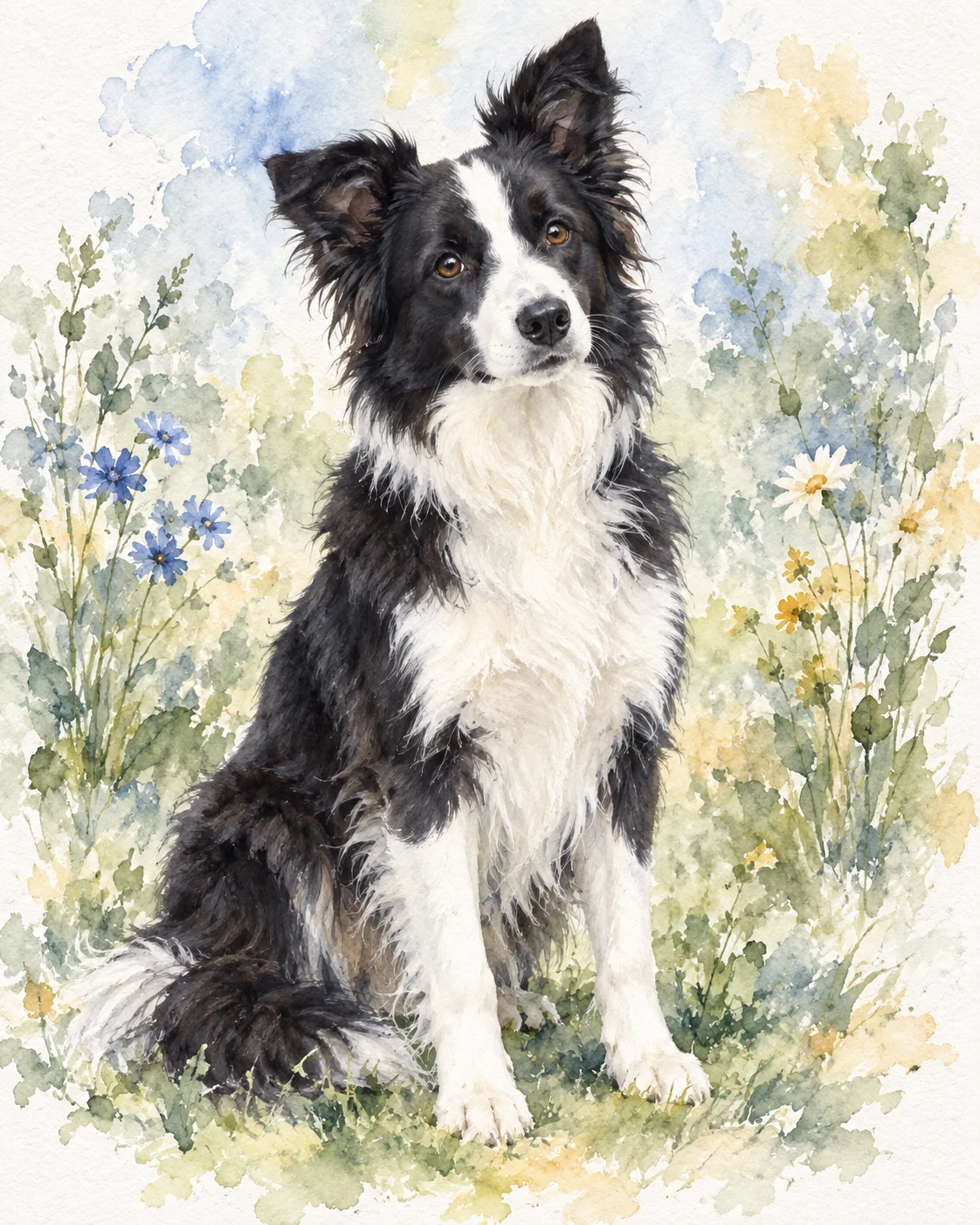
Browse the look first. Each example is shown on a different breed so you can judge the outfit, setting and finish. Every template can be used with your own dog.
How it works: pick a look to open the studio, upload your dog once, then move between styles without starting over.
The style gallery answers “what will it look like?” before asking for a photo. Once you choose a direction, the studio keeps your dog’s photo ready while you compare results.
Start with a royal outfit, oil painting, watercolour, cartoon, funny costume or gentle memorial style.
Use a JPG, PNG or WEBP where the eyes, ears, muzzle, coat pattern and expression are easy to see.
Generate a watermarked preview in about 20–30 seconds, then keep the same photo and try another look.
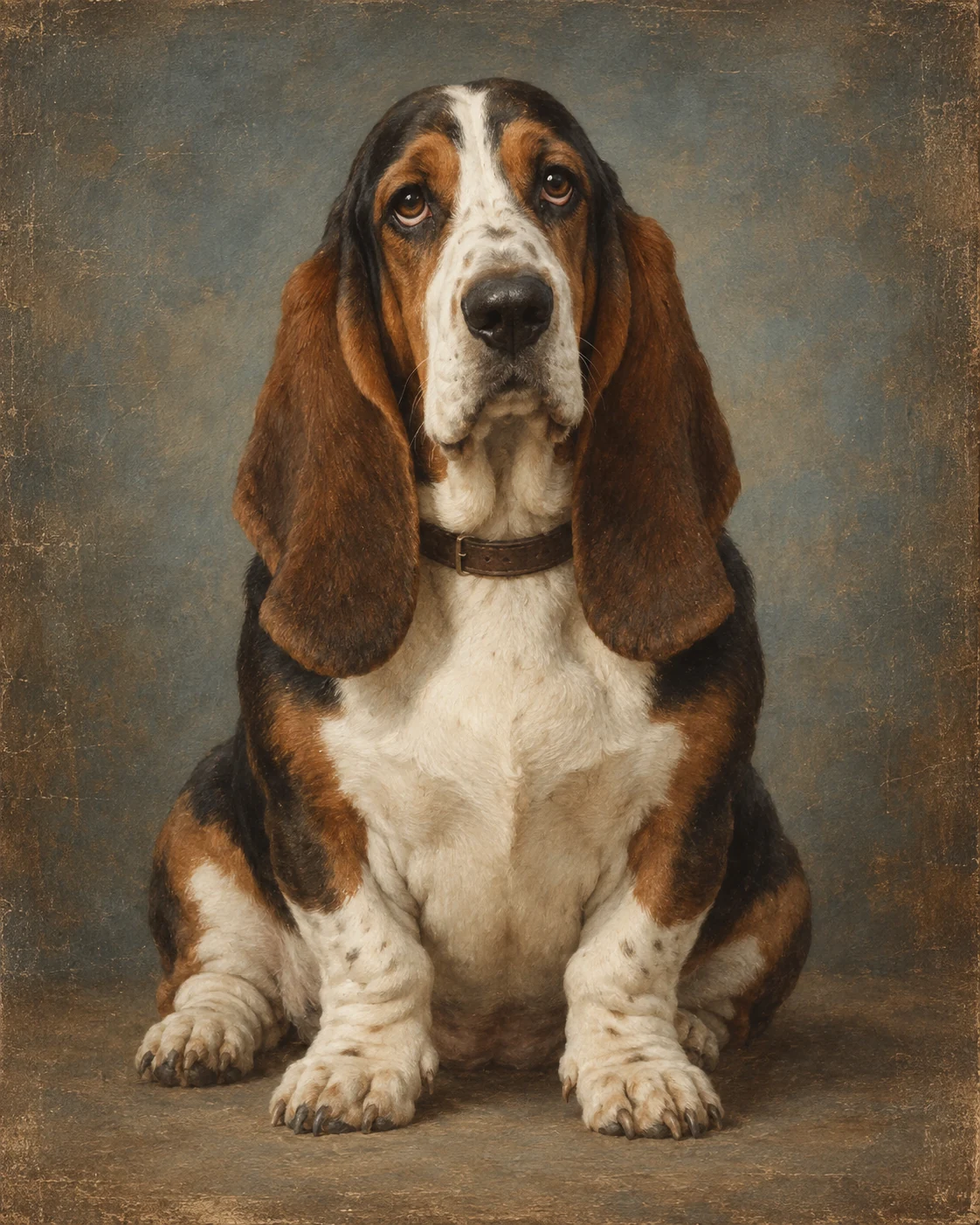
Choose a sharp, well-lit front-facing or three-quarter photograph. Your dog should fill most of the frame, with both eyes, the full muzzle and the natural ear shape visible.
The breed shown on a card is an example, not a restriction. A Chihuahua can wear the same royal admiral uniform as a French Bulldog; a mixed-breed rescue can become the astronaut, chef or painted noble. The source photo supplies the identity while the selected template supplies the clothing, pose and art direction.
A dignified dog may suit a Renaissance king or classic oil portrait. A playful dog may feel more at home reading the newspaper, taking a bubble bath or dressed as a cowboy. For a quieter keepsake, choose soft watercolour, pencil, charcoal or minimal line art. The best custom dog portrait is the one that combines a recognisable face with a style that feels true to the animal you know.
Royal uniforms, historic court clothing and museum-style oil painting create a formal gallery statement.
Bathroom scenes, chef whites, superheroes, astronauts and festive costumes turn familiar habits into visual jokes.
Watercolour, graphite, charcoal and restrained memorial styles work well for a quiet digital keepsake or thoughtful gift.
Each generation produces a digital dog portrait preview. You can create two free watermarked previews on the same device or network, compare recent results and download the result currently supported by the studio. Portrait pricing and future paid options live on one shared page, so every style page stays consistent.
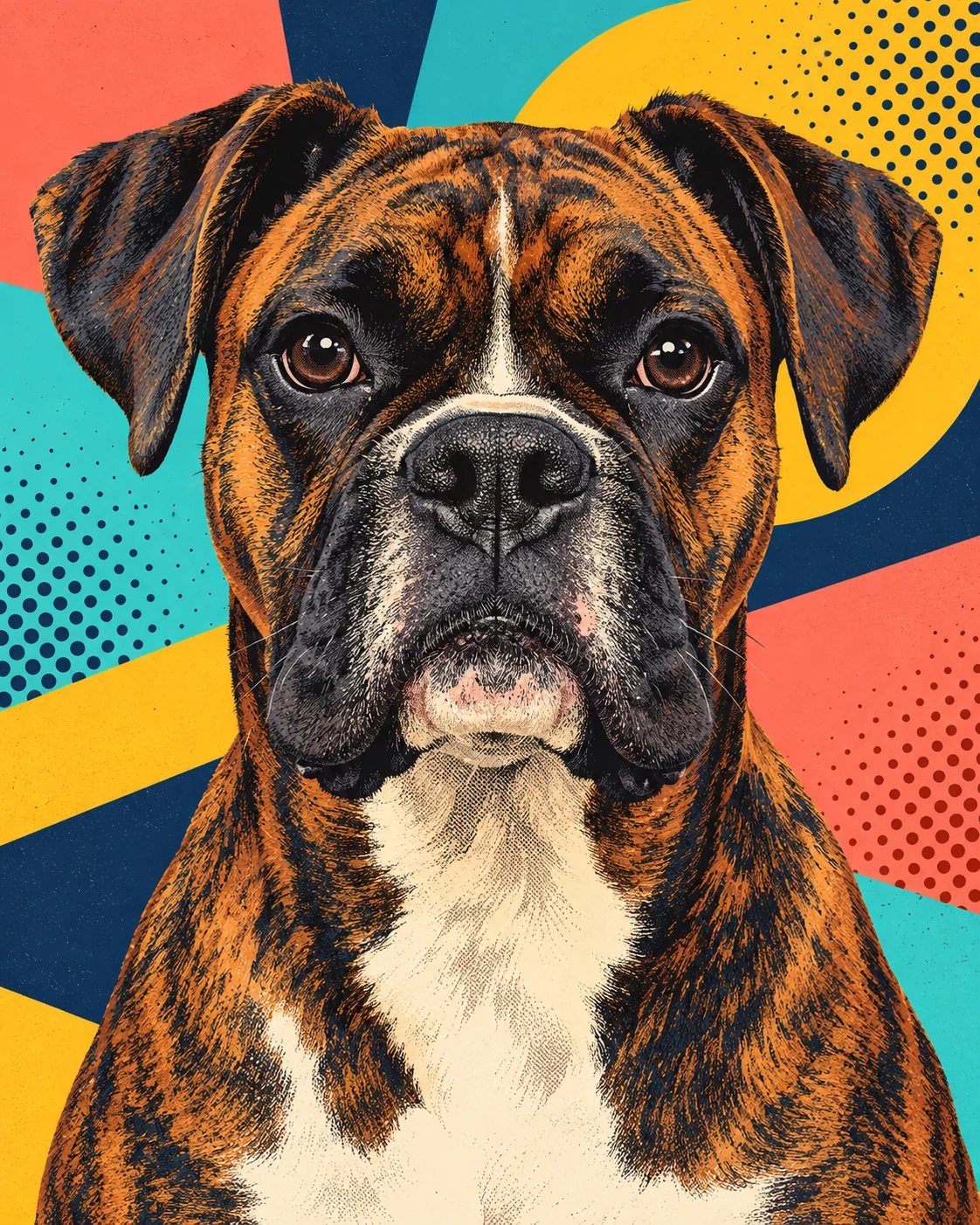
Yes. Every template can be applied to a clear photo of any breed or mixed-breed dog. The breed labels explain the examples shown in the gallery.
Use a sharp, well-lit photo with the face large in frame. Both eyes, the muzzle, ears and distinctive coat markings should be visible.
Yes. Your uploaded dog photo stays ready while you switch styles. You do not need to upload it again for each look.
No. Select the look you want and the studio applies the prepared clothing, composition and artistic direction.
Yes. You can create two free watermarked previews per device or network, allowing you to judge the result before future paid options are introduced.
Most generations finish in about 20–30 seconds. The progress bar shows an honest time-based estimate while the image provider works.
Save the generated portrait directly to your device.
Payment and additional download options will be connected later.