1
Choose the scene
Compare paired animal examples and select the palette, background and mood you want.
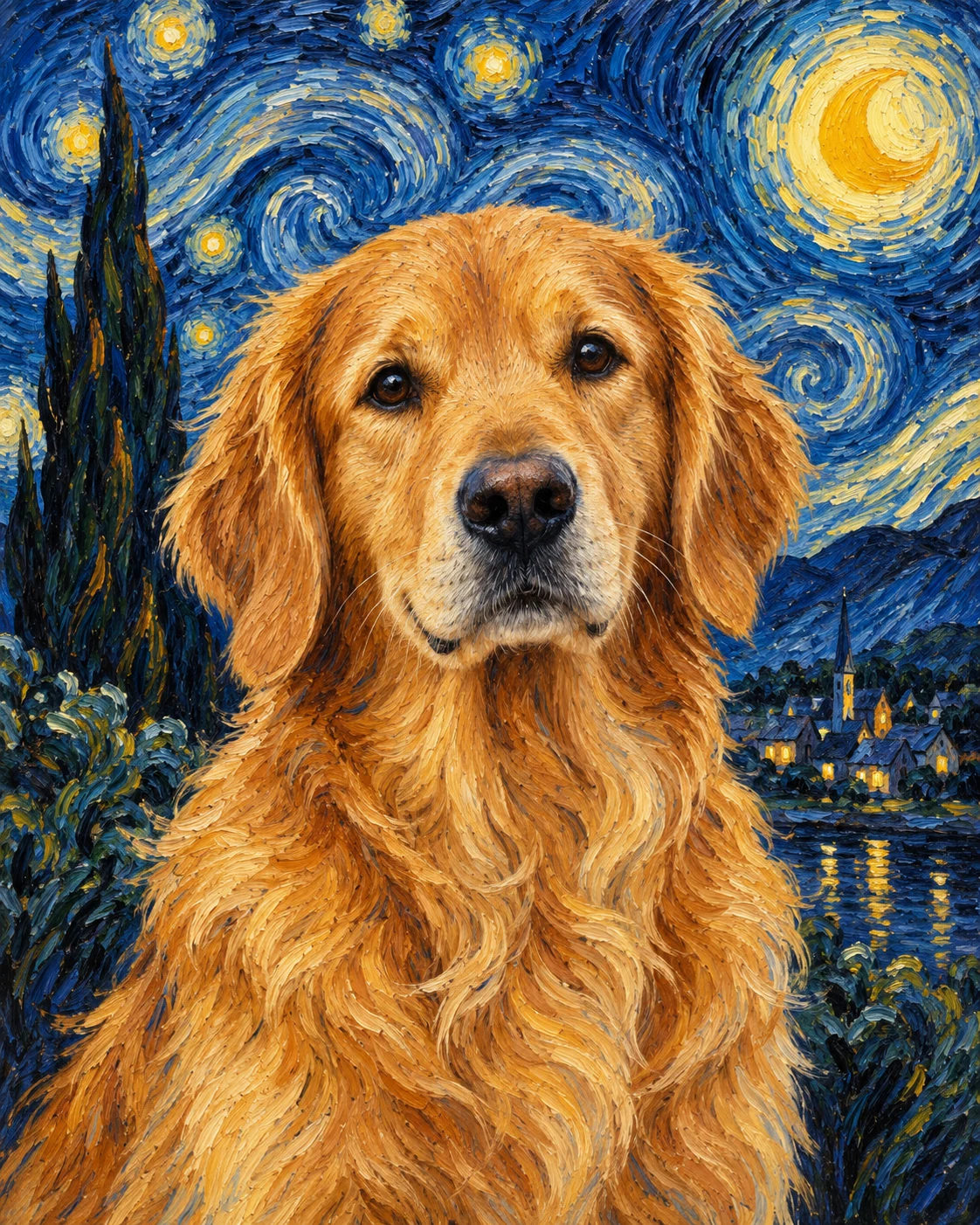
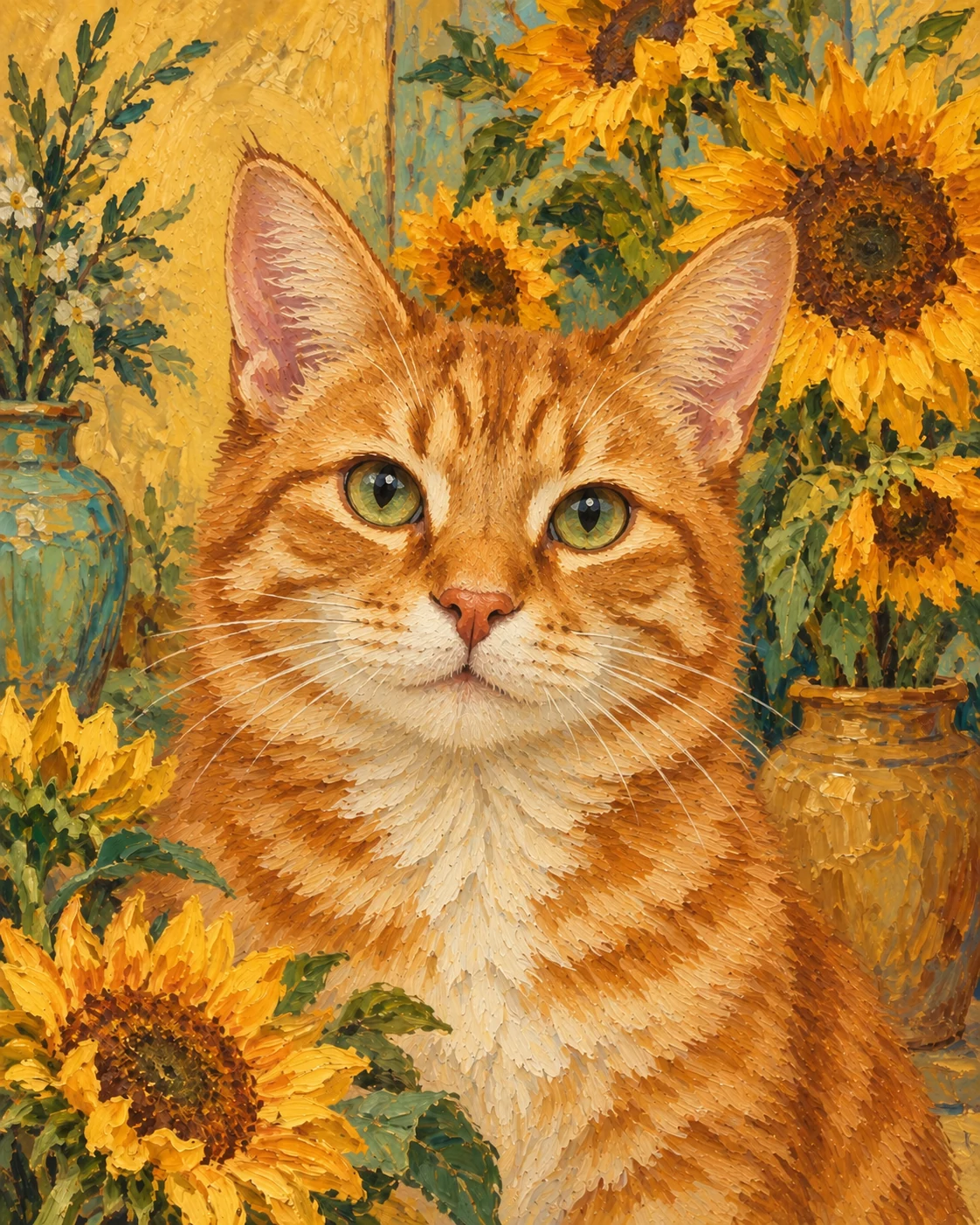
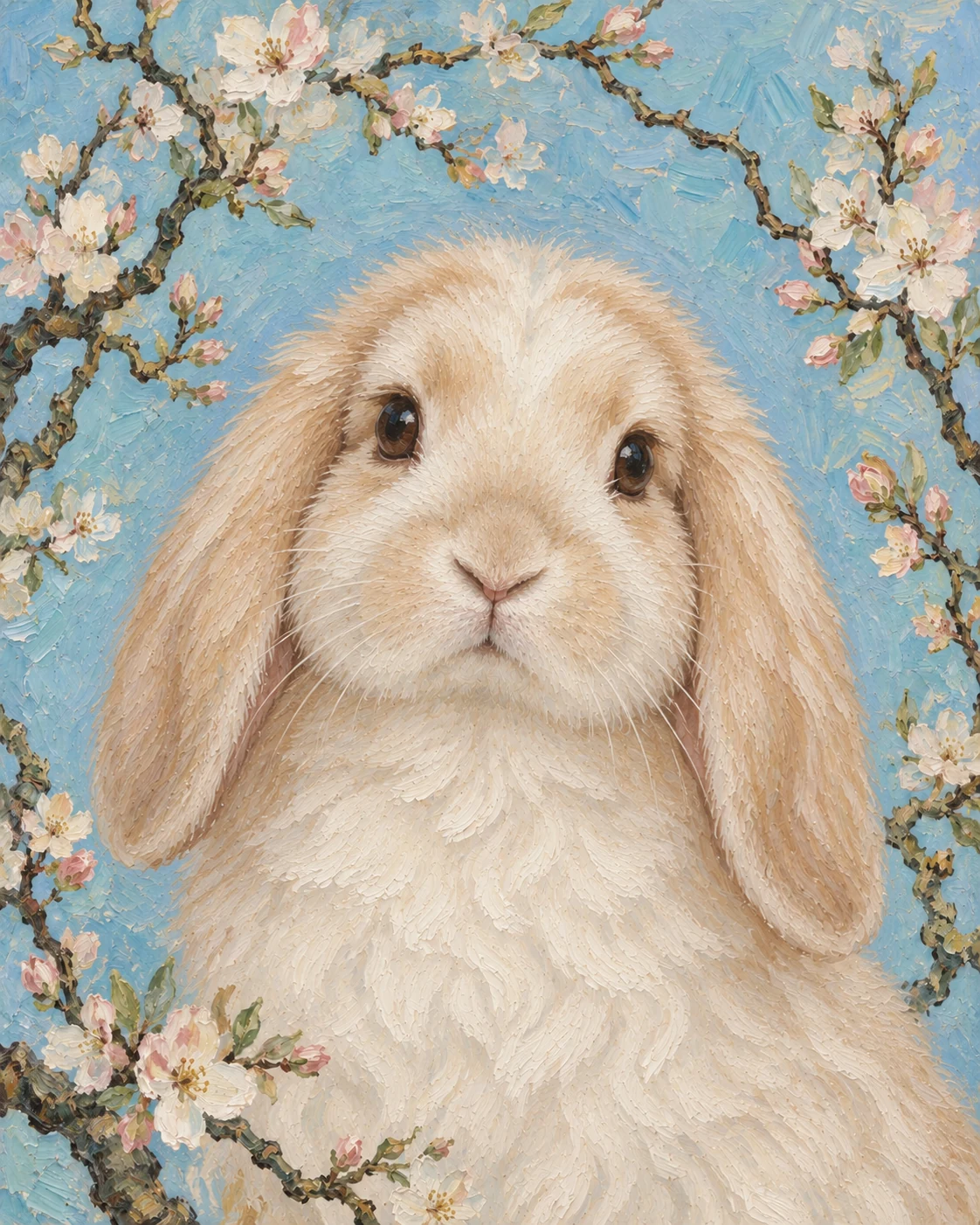
Choose the scene first—from a cobalt Starry Night and warm Sunflowers to a quiet Almond Blossom portrait—then upload one clear photo. Each template changes the palette, setting and brushwork while keeping the face, markings and expression that make your pet recognisable.
This collection is organised by scene rather than animal breed. Every template appears on two different pets so you can judge how the same background, palette and brushwork transfer before uploading your photo.
7 scene templates · 14 examples. The collection size follows the scenes supported by marketplace and search evidence rather than a fixed gallery count.
Upload once. Keep the same photo ready while you move between every scene.
Start with a finished scene you can see. Your photo stays available while you compare a night sky, flower garden, country landscape or formal studio portrait.
Compare paired animal examples and select the palette, background and mood you want.
Use a sharp image showing the whole head, ears, eyes and muzzle. A head-and-chest pose works for most scenes.
Generate a watermarked preview, keep the photo in place and try another scene without uploading again.
This is more than one generic painterly filter. The finished character changes with the setting around the pet and the way each palette moves through the coat.
The examples include long and short coats, upright and floppy ears, dark fur, a horse and a rabbit. The paired images demonstrate template consistency; the animal is not being used as a substitute for style.
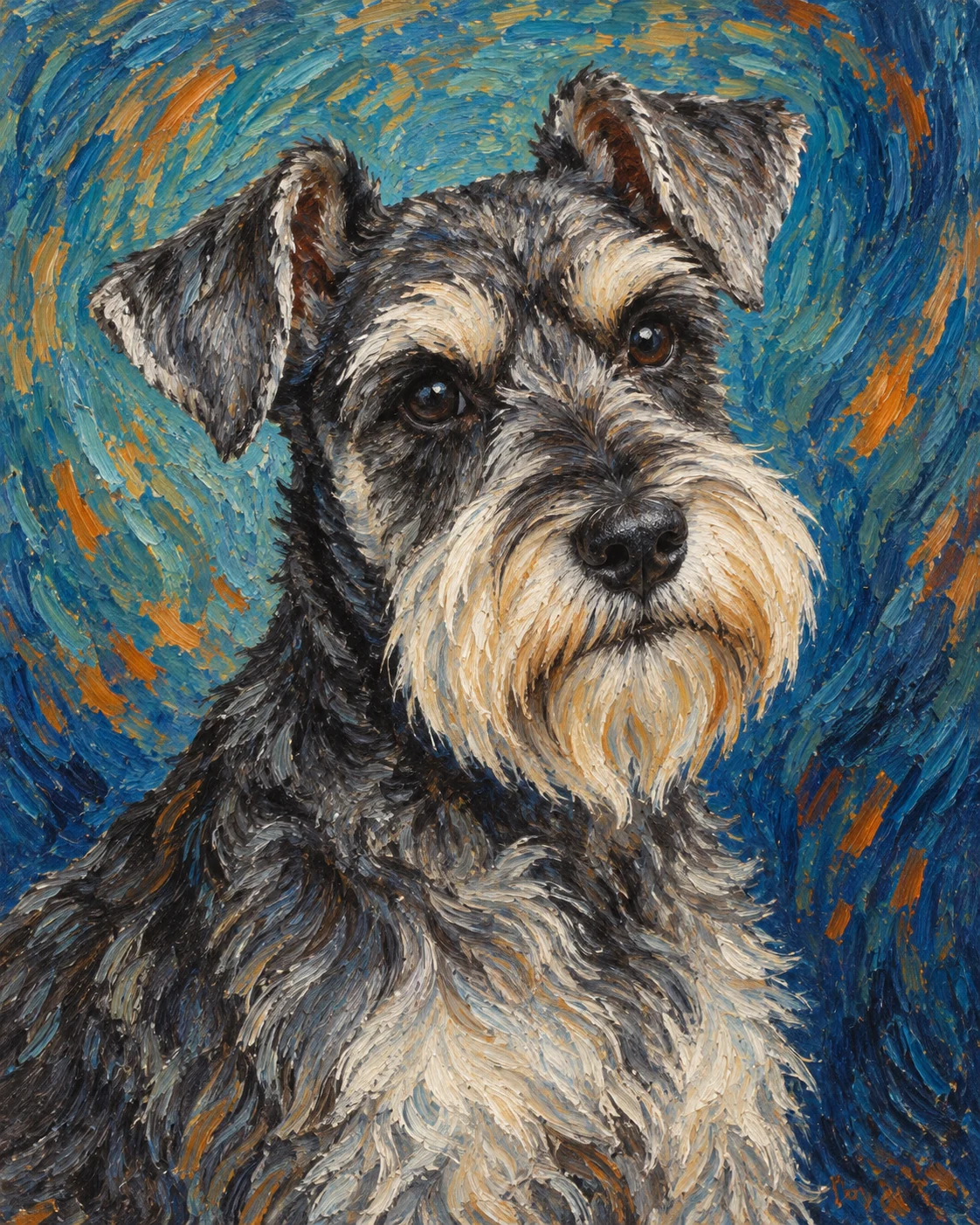
Choose a clear photo where the face, ears and distinctive markings are easy to read. The brushwork can become expressive without making the pet generic when the source already shows a clean silhouette and natural expression.
Paw Portrait Lab creates AI-generated digital artwork inspired by public-domain post-impressionist colour, scene language and brushwork. The result is not an authentic Van Gogh painting, a handmade original, a museum product or a physical canvas, and no museum affiliation is implied.
For a broader range of painted finishes, compare our pet oil painting styles. You can also explore watercolor portraits, dog portraits or cat portraits.
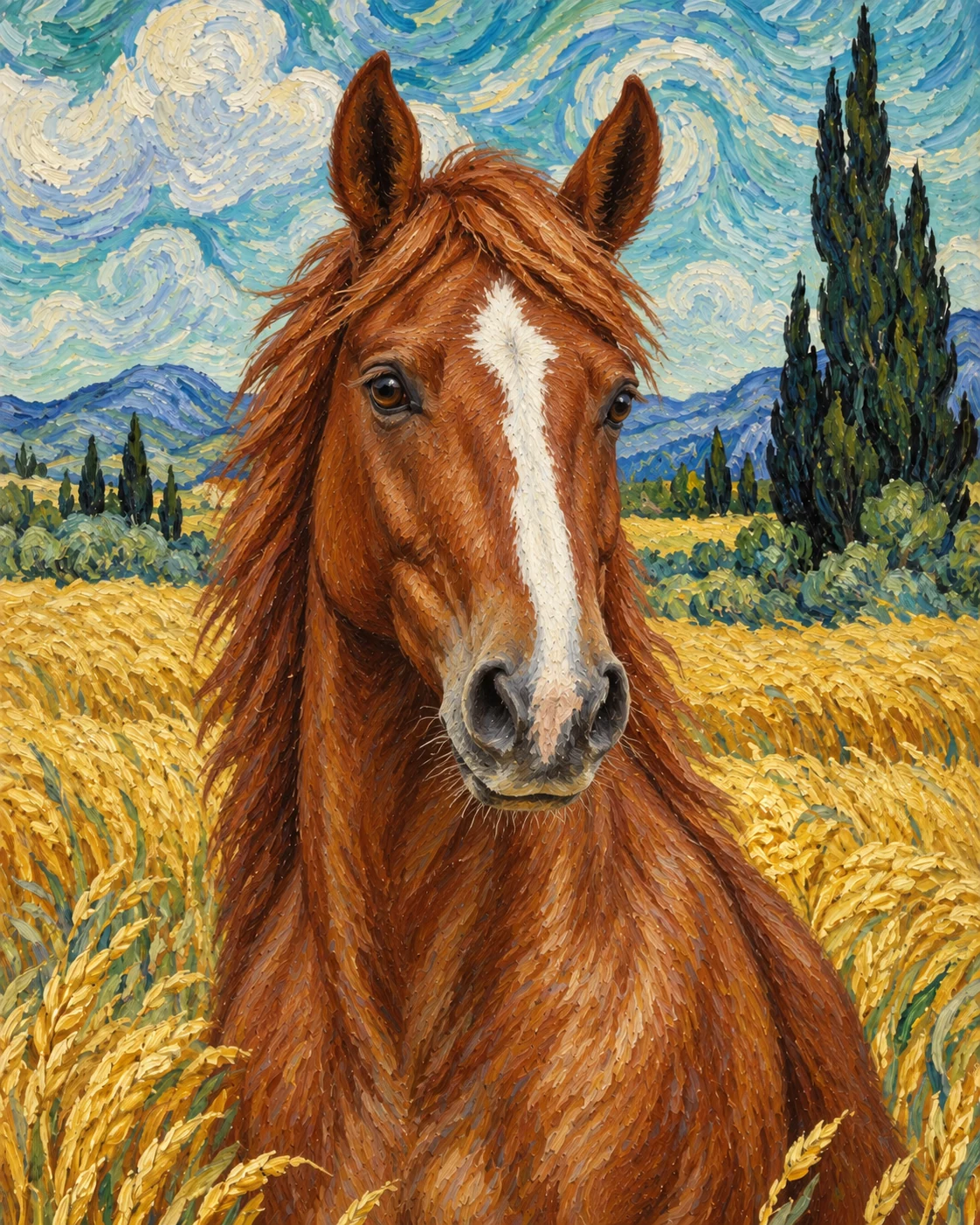
Choose one of the seven visible scenes, upload one clear pet photo and create a watermarked preview. Your photo stays ready while you compare Starry Night, Sunflowers, Irises and the other scene templates.
The launch collection includes Starry Night, Sunflowers, Irises, Café Terrace at Night, Wheatfield and Cypresses, Almond Blossom and Self-Portrait Studio.
The generator is instructed to preserve the visible face shape, eye colour, ear shape, muzzle, coat pattern and distinctive markings in your source photo while changing the painted setting and brushwork.
The oil painting collection compares different painting finishes such as classical, impasto and contemporary oil. This collection keeps one post-impressionist visual language and lets you choose a recognisable scene, palette and atmosphere.
Use a sharp daylight photo with the whole head, both ears and the muzzle visible. A head-and-chest photo works for most scenes; Self-Portrait Studio is strongest with a close three-quarter or front-facing view.
Yes. The examples intentionally include dogs, cats, a horse and a rabbit to show how the same scene transfers across different ears, coats, faces and silhouettes.
No. It is AI-generated digital artwork inspired by public-domain post-impressionist colour and brushwork. Paw Portrait Lab is not affiliated with the Van Gogh Museum or another museum, and no physical painting is shipped.
No. Select the visible scene you want and upload your photo. The template supplies the background, palette, brushwork and composition.
Yes. You can create two free watermarked previews per device or network before choosing a future paid download option.
Save the generated raster portrait directly to your device.
This is AI-generated digital artwork; no physical item is shipped.