1
Choose a pop art look
Compare paired examples and pick the repetition, ink texture, palette and contrast that fit your pet.
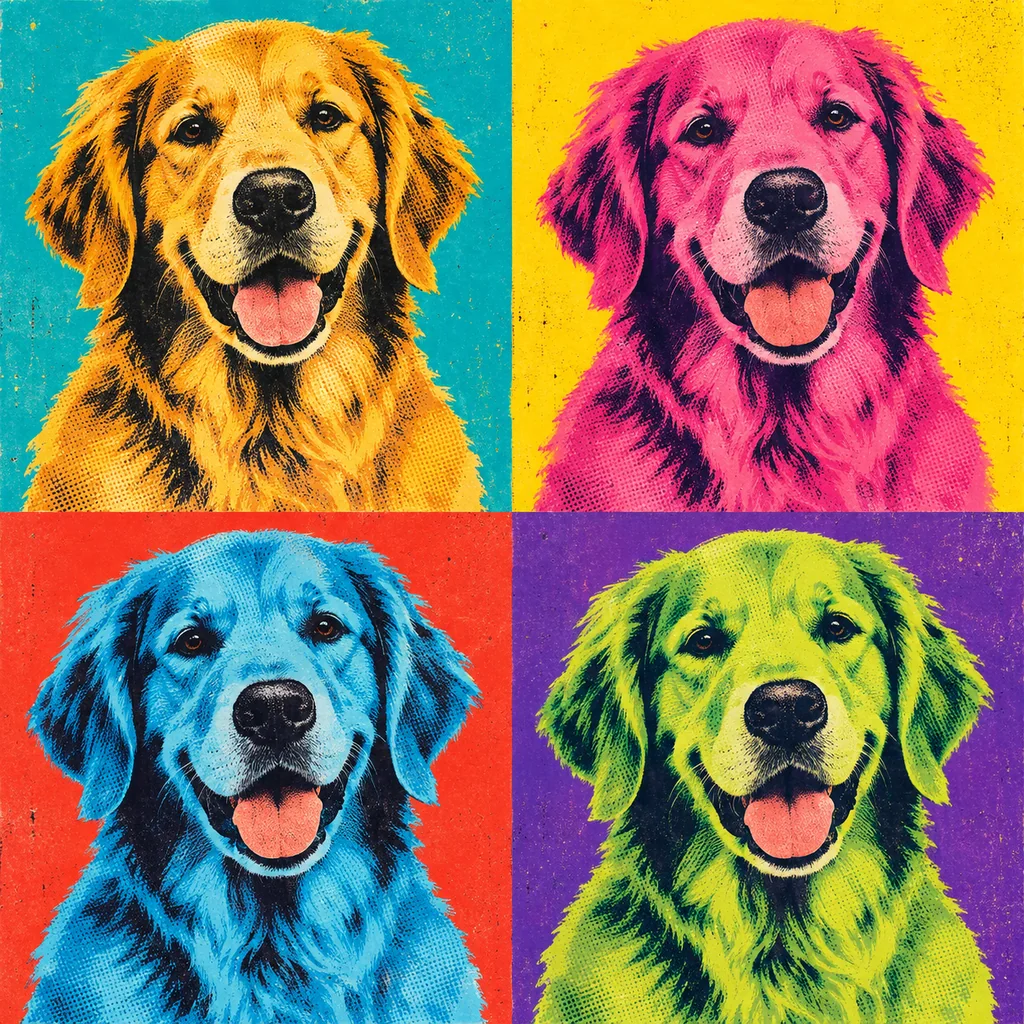
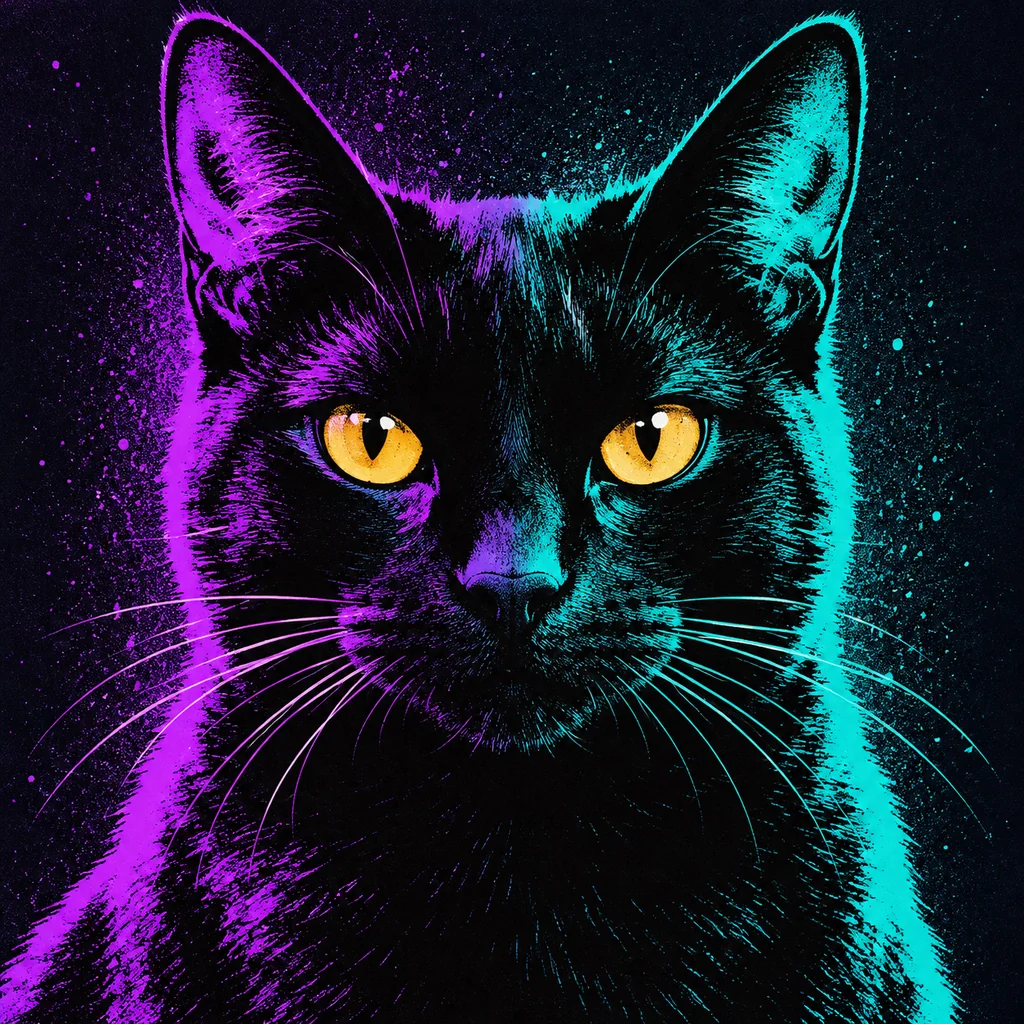
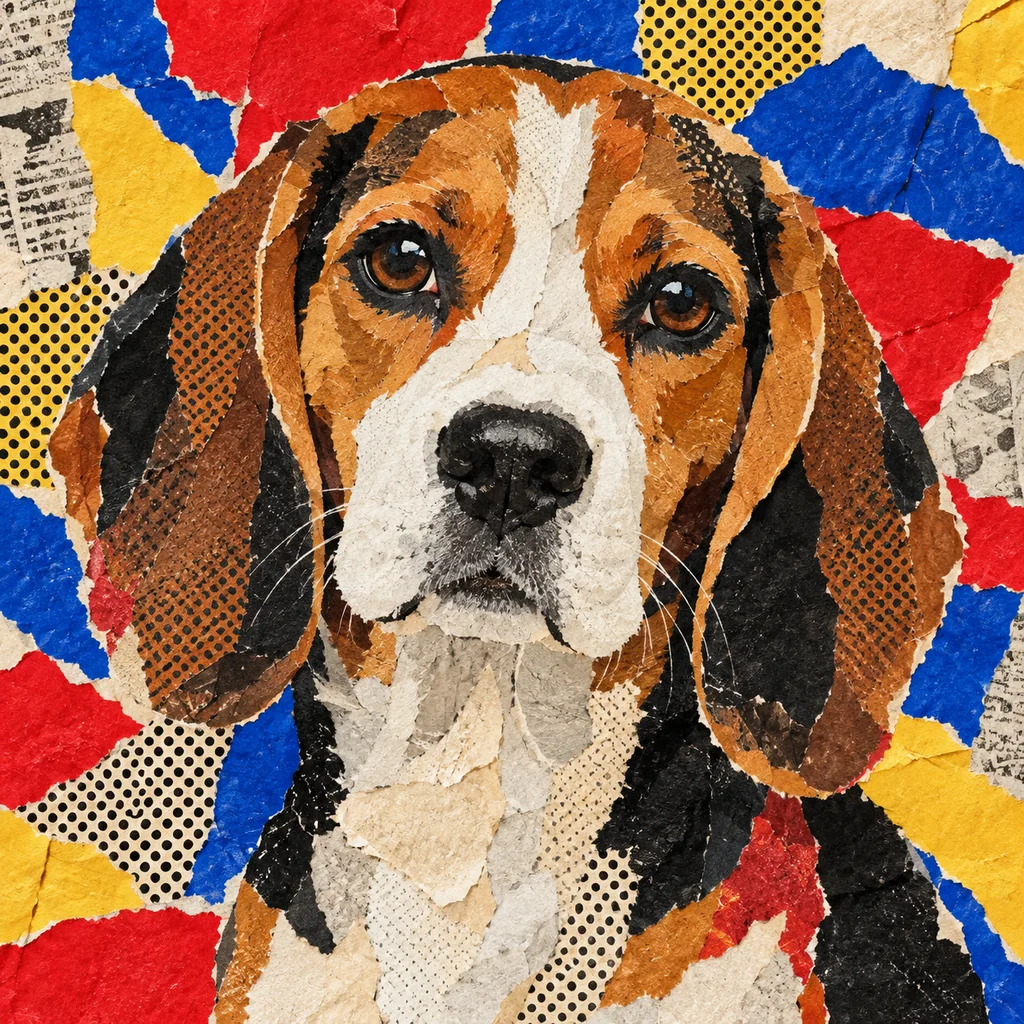
Choose the finished graphic treatment first—from four-panel screenprint and comic halftone to neon, collage and minimal color block—then upload one clear photo. Every look keeps the eyes, markings and expression at the centre.
The same visual treatment is shown on two different pets. Compare how repetition, colour separation, dots and texture work across animals before using the template on your own photo.
12 pop art looks · 24 examples. The animal shown is a reference; every template can be used with your uploaded pet.
Upload once. Keep the same pet photo ready while you compare every graphic treatment.
Choose the finished composition and colour energy first. Your uploaded photo stays ready while you move between templates.
Compare paired examples and pick the repetition, ink texture, palette and contrast that fit your pet.
Use a sharp front-facing or three-quarter photo with the eyes, ears and distinctive markings visible.
Generate a watermarked preview, then keep the same photo and try another treatment without uploading again.
Pop art is more than a bright filter. The collection separates the choices people can actually see: composition, colour count, ink texture and background energy.
The 24 examples include long and short coats, pale and black animals, different ear shapes, a rabbit and a bird. They test whether each template preserves the details that make the subject recognisable.
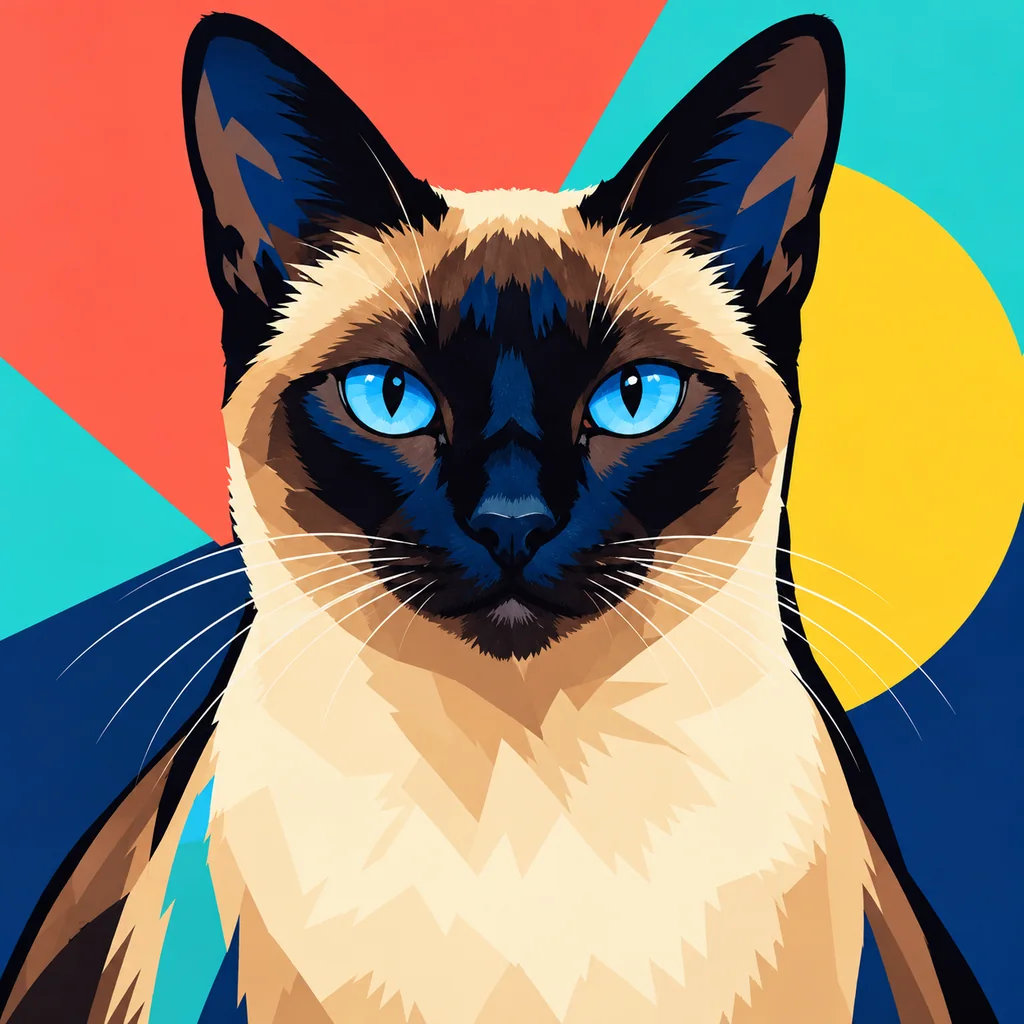
Choose a clear photo where the face is large enough to read. Strong source detail helps bold colour and halftone texture preserve eye colour, ear shape, muzzle length and coat markings.
Pop art focuses on print language: repeated panels, limited colour separations, halftone dots, collage, spray texture and poster contrast. Cartoon styles change the pet into a drawn or sculpted character. This page creates an AI-generated digital portrait; no physical product is shipped.
Compare the separate cartoon pet portrait collection, browse the wider AI pet portrait generator, explore dog portraits and cat portraits, or review portrait pricing.
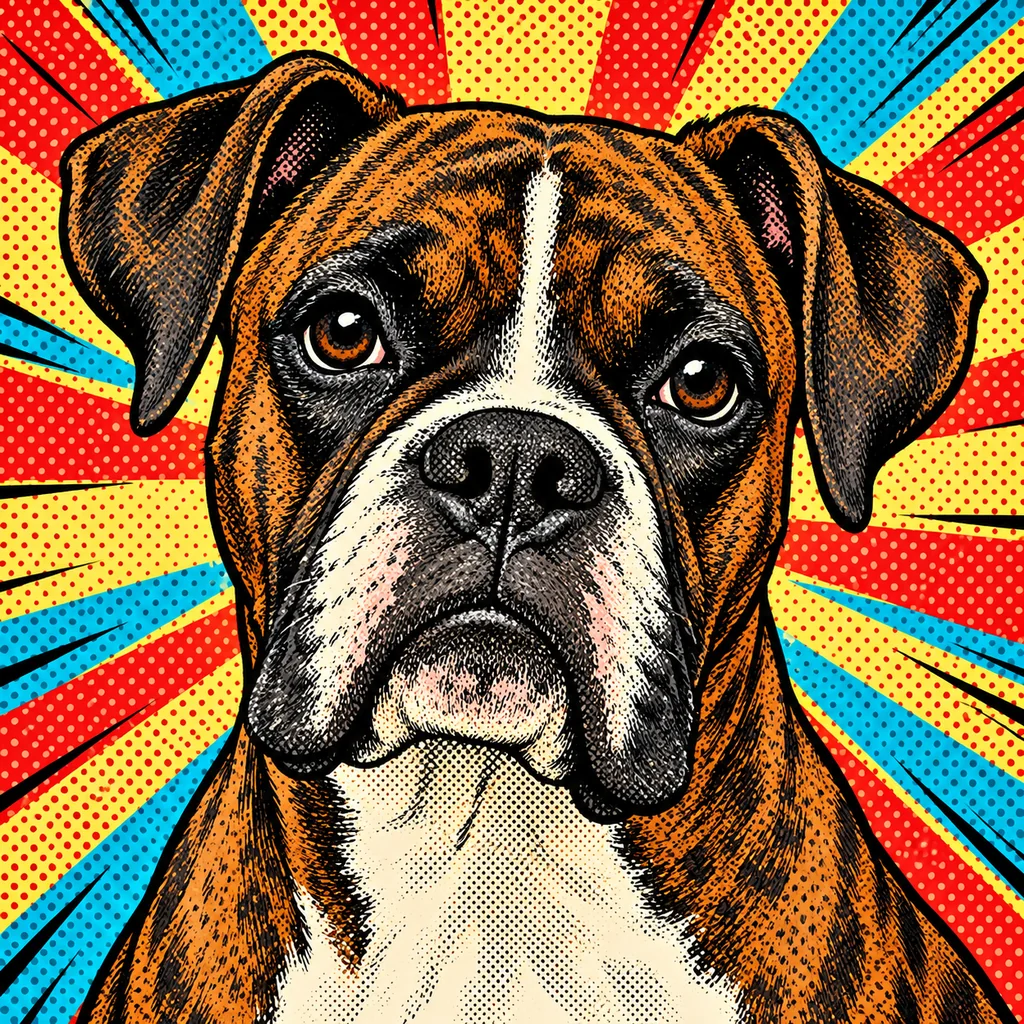
Choose a finished pop art look, upload one clear pet photo and create a watermarked preview. Your photo stays ready while you compare other colour and print treatments.
The collection includes four-panel screenprint, bold color block, comic halftone, neon duotone, retro advertising, minimal color block, collage, newspaper comic, graffiti, pastel, monochrome accent and psychedelic looks.
Yes. Every template can be used with dogs and cats. The examples also show how the graphic treatments handle a rabbit and a bird.
The generation directions prioritise facial structure, eye colour, ear shape, coat pattern and expression. Strong contrast and a clear source photo help the graphic treatment stay recognisable.
Each template currently has a prepared colour direction so you can choose the finished mood visually. Fine-grained custom colour controls are not yet available.
No. This collection focuses on screenprint repetition, halftone dots, flat colour separations, collage and poster graphics. The cartoon collection covers character-based 2D, 3D, clay, anime-inspired and pixel looks.
No. Pick the visual result you want and upload a photo. The selected template supplies the colour, print texture and composition directions.
Use a sharp front-facing or three-quarter photo in soft light. Keep both eyes, complete ear tips and distinctive markings visible.
Yes. You can create two free watermarked previews per device or network before choosing a future paid download option.
Yes. Paw Portrait Lab creates an AI-generated digital portrait. No physical print, canvas or frame is shipped.
Save the generated portrait directly to your device.
Payment and additional download options will be connected later.