Soft Watercolor
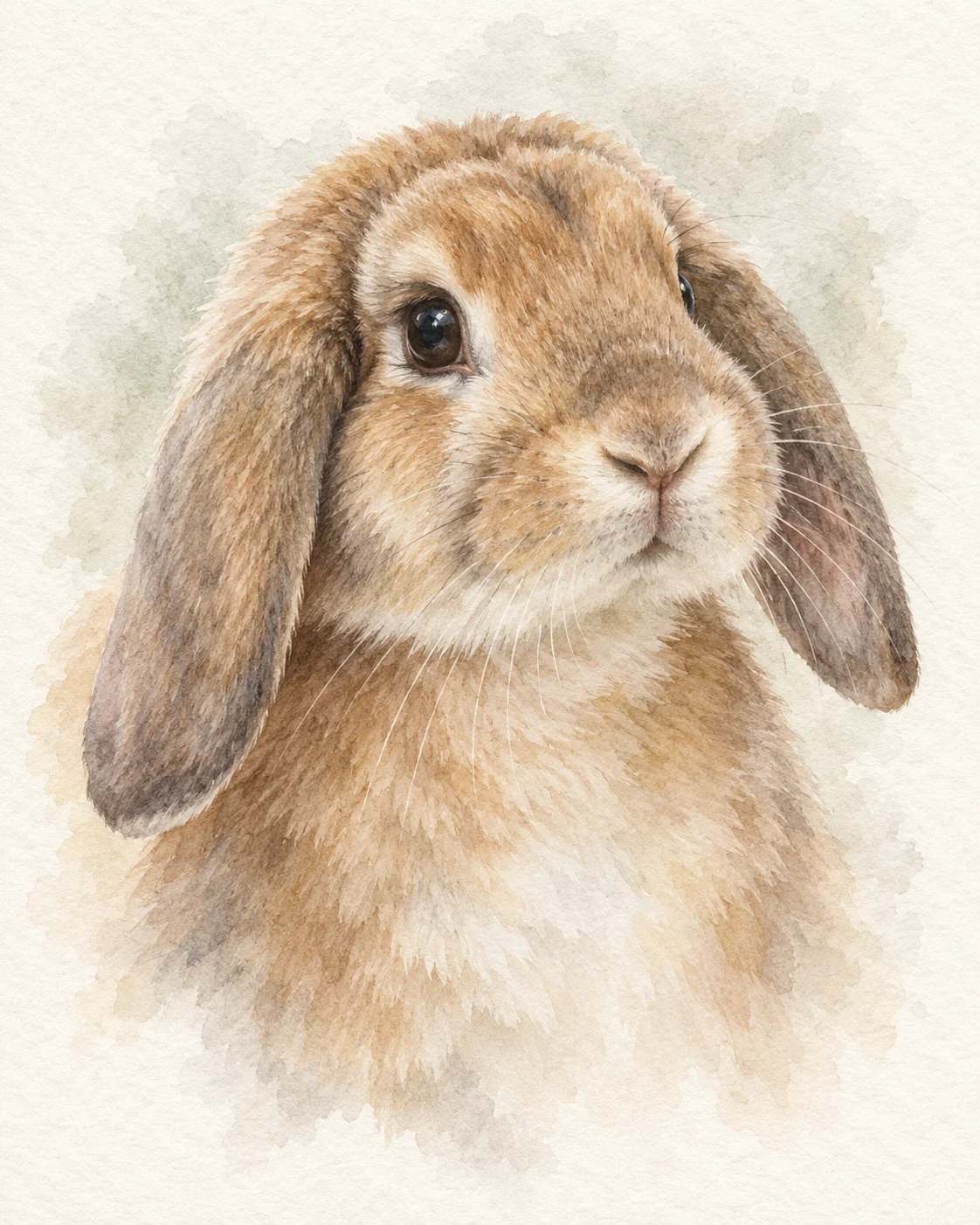
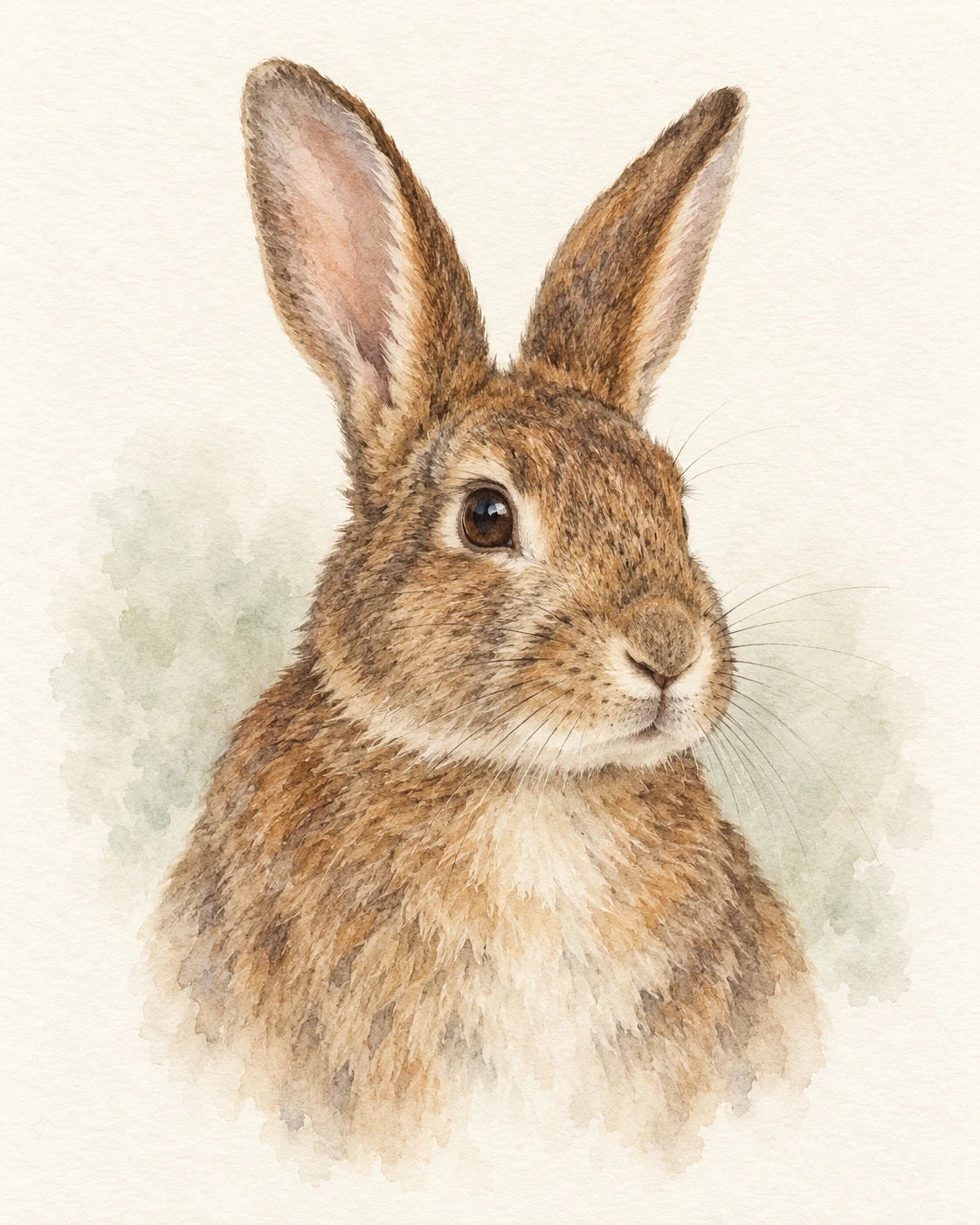
Translucent washes and a gentle head-and-chest portrait. Include the full head, ear tips and chest.
The floppy ears, the little nose, that familiar expression. Turn a favorite photo into a rabbit portrait in soft watercolor, delicate pencil or a playful royal coat.
Compare paint, pencil and familiar poses. Different ears and coats show how each look can change with the rabbit in your photo.
6 templates · 10 examples · Select a look to see it larger and upload
Translucent washes and a gentle head-and-chest portrait. Include the full head, ear tips and chest.
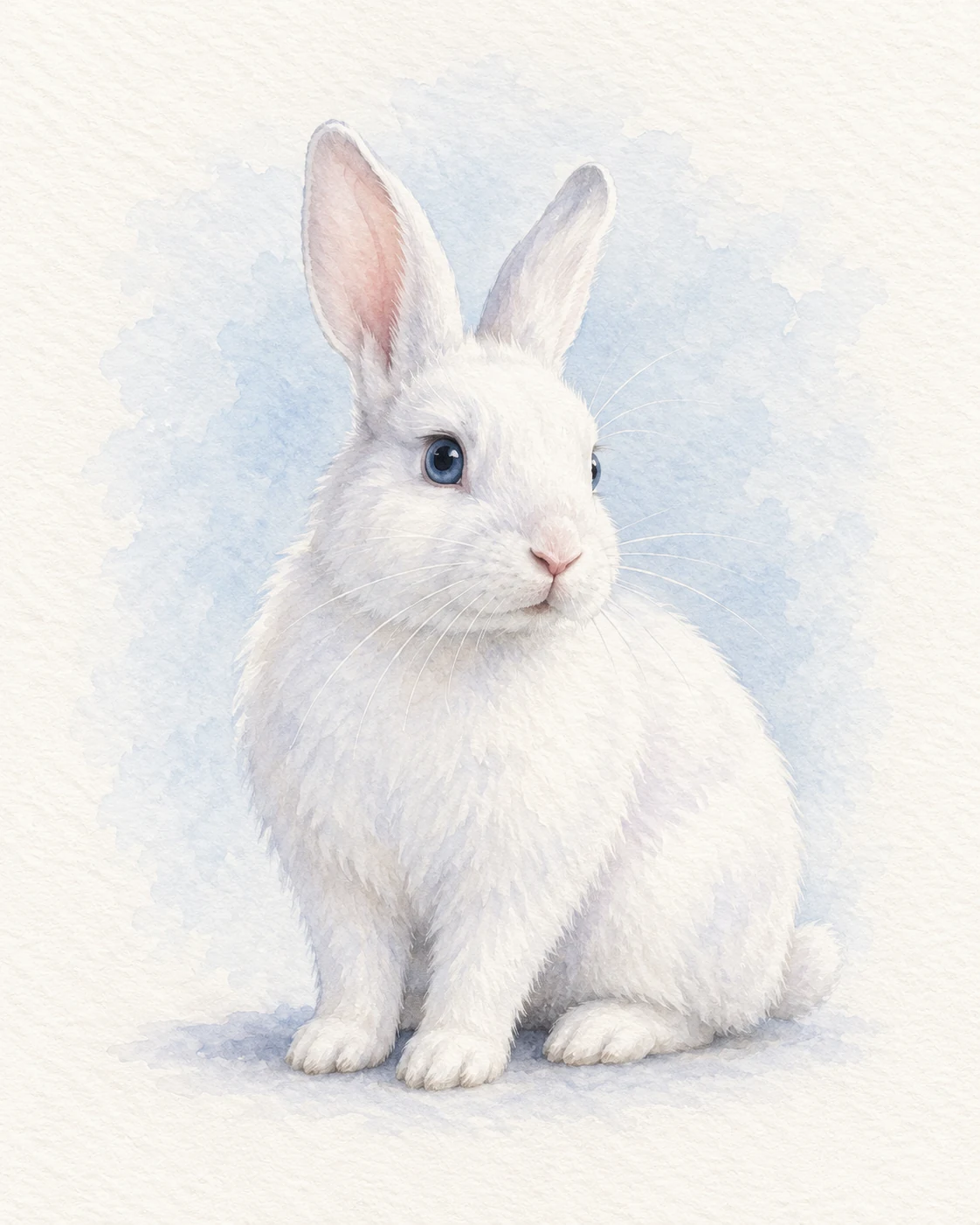
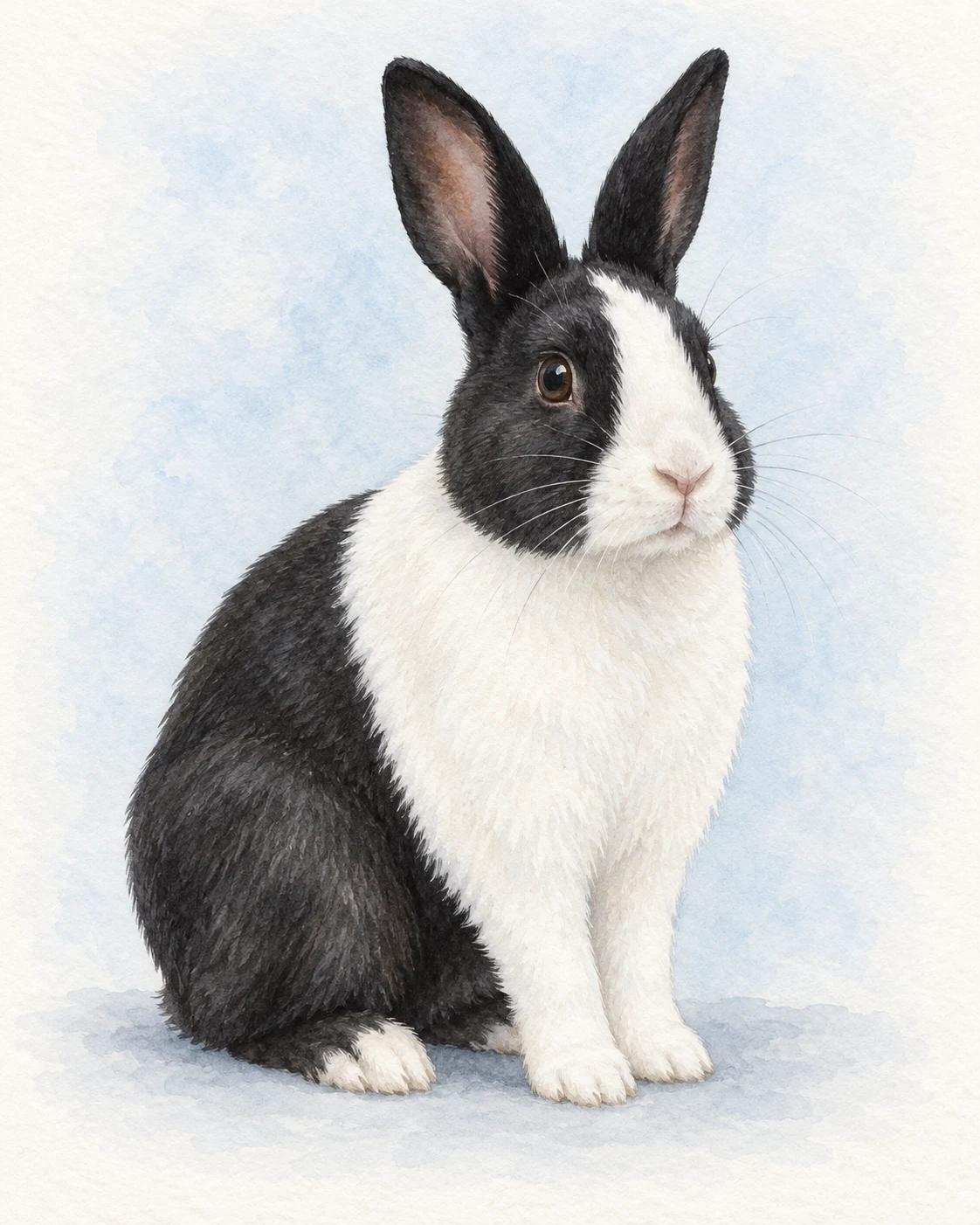
A complete seated portrait with softly painted paws and fur. Use a seated full-body photo showing the paws and ears.
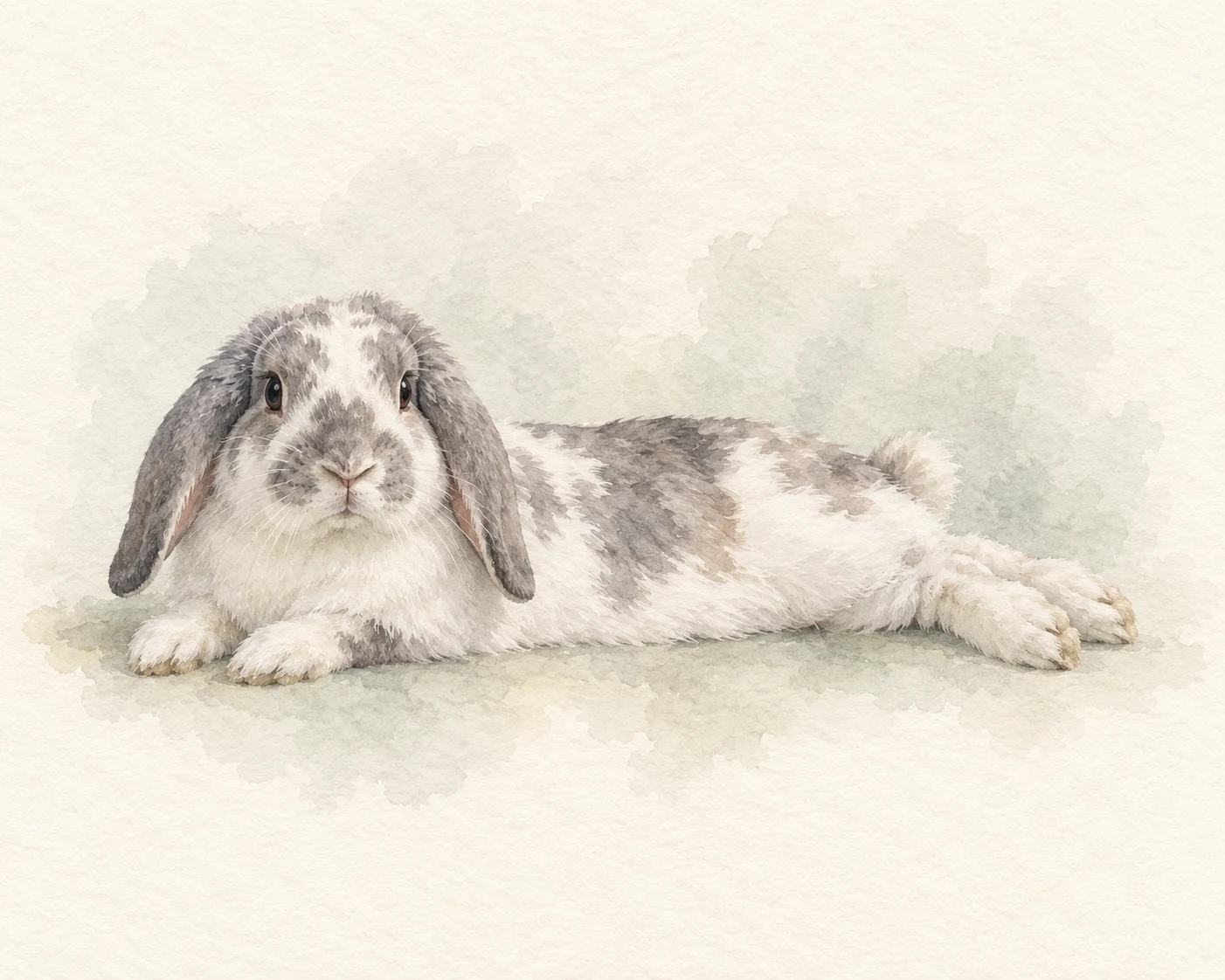
A horizontal portrait of a familiar stretched-out pose. Use a full-body photo of your rabbit already lying stretched out.
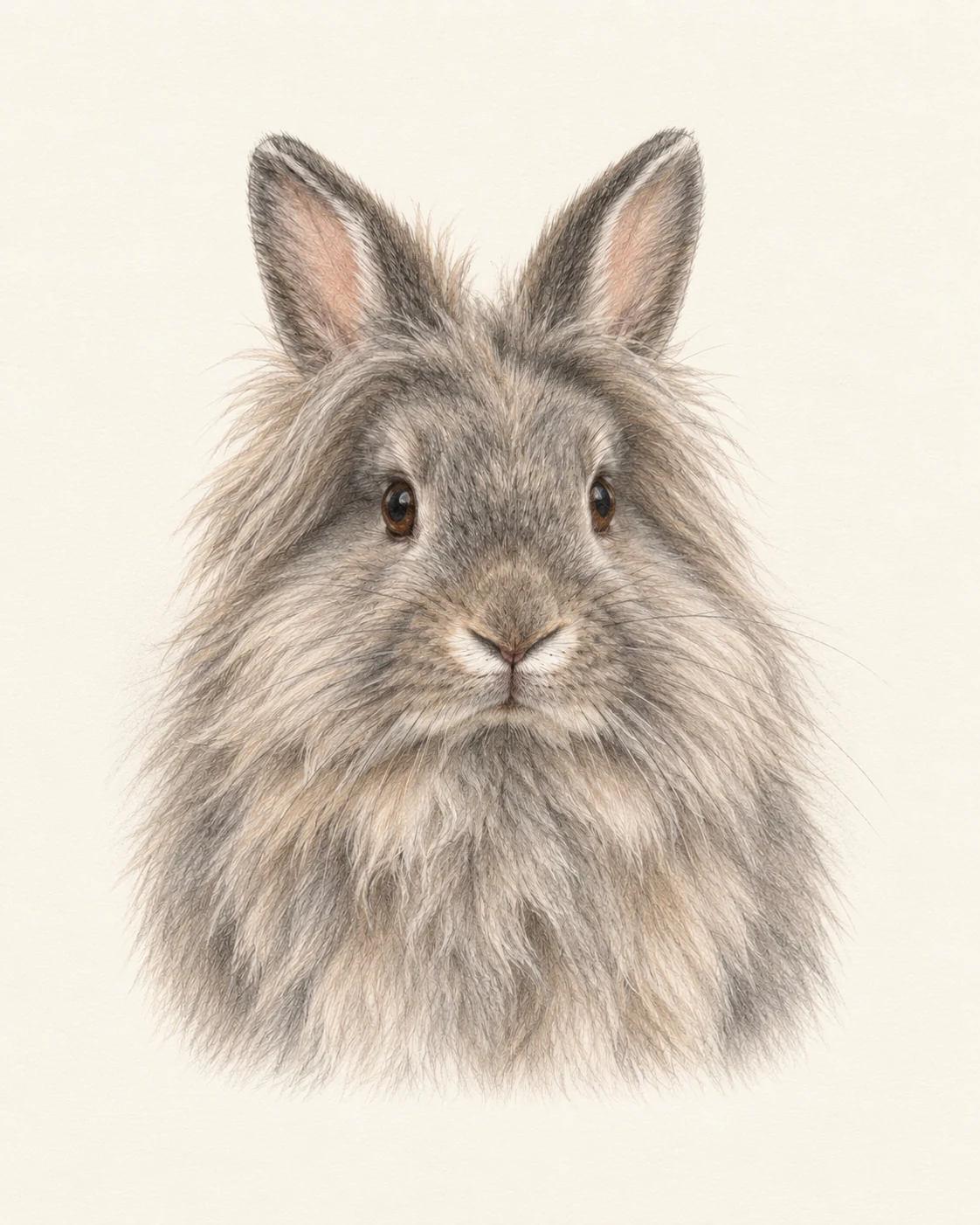
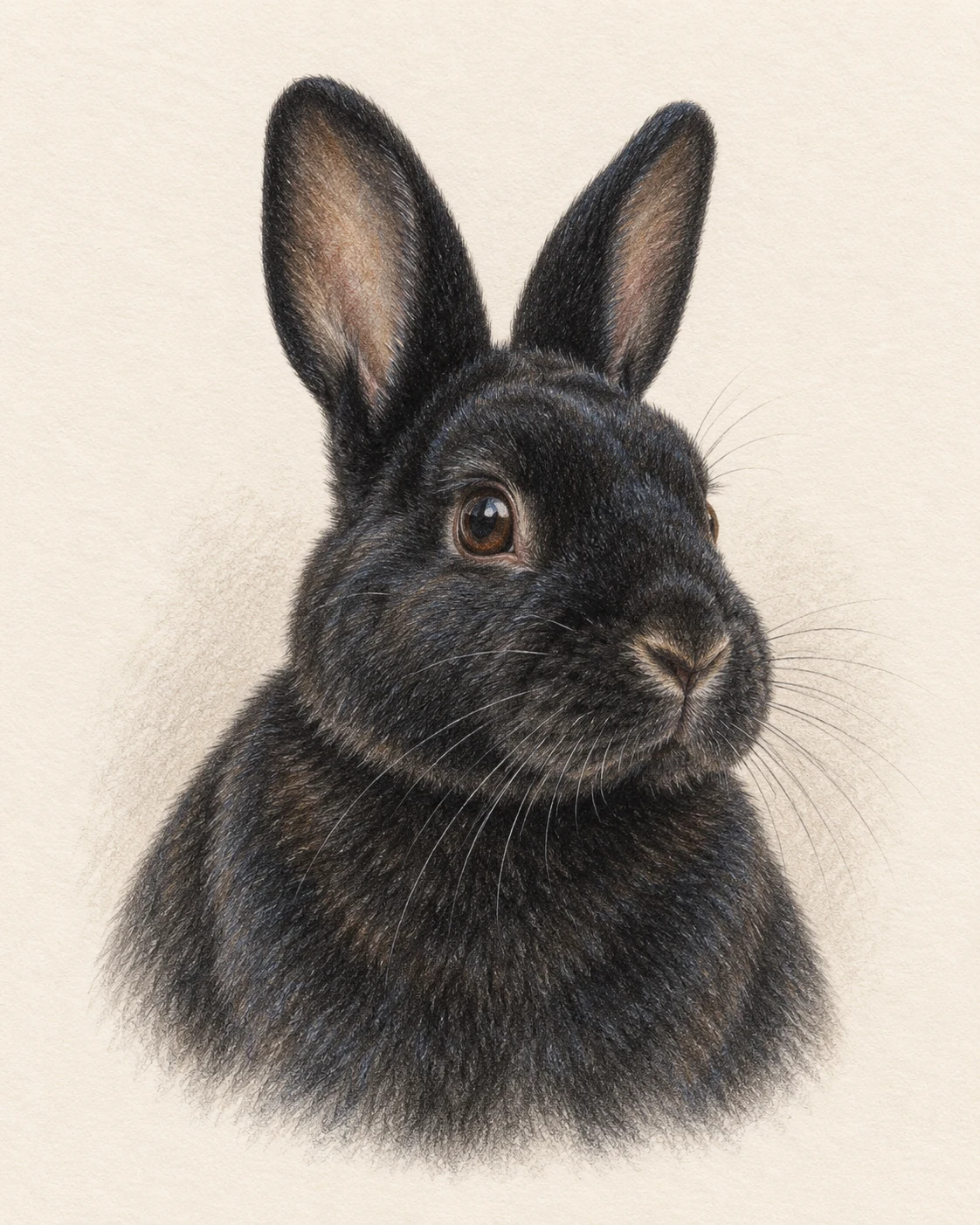
Fine dry pencil strokes for velvety coats and fluffy manes. Include the full head, ear tips and chest.
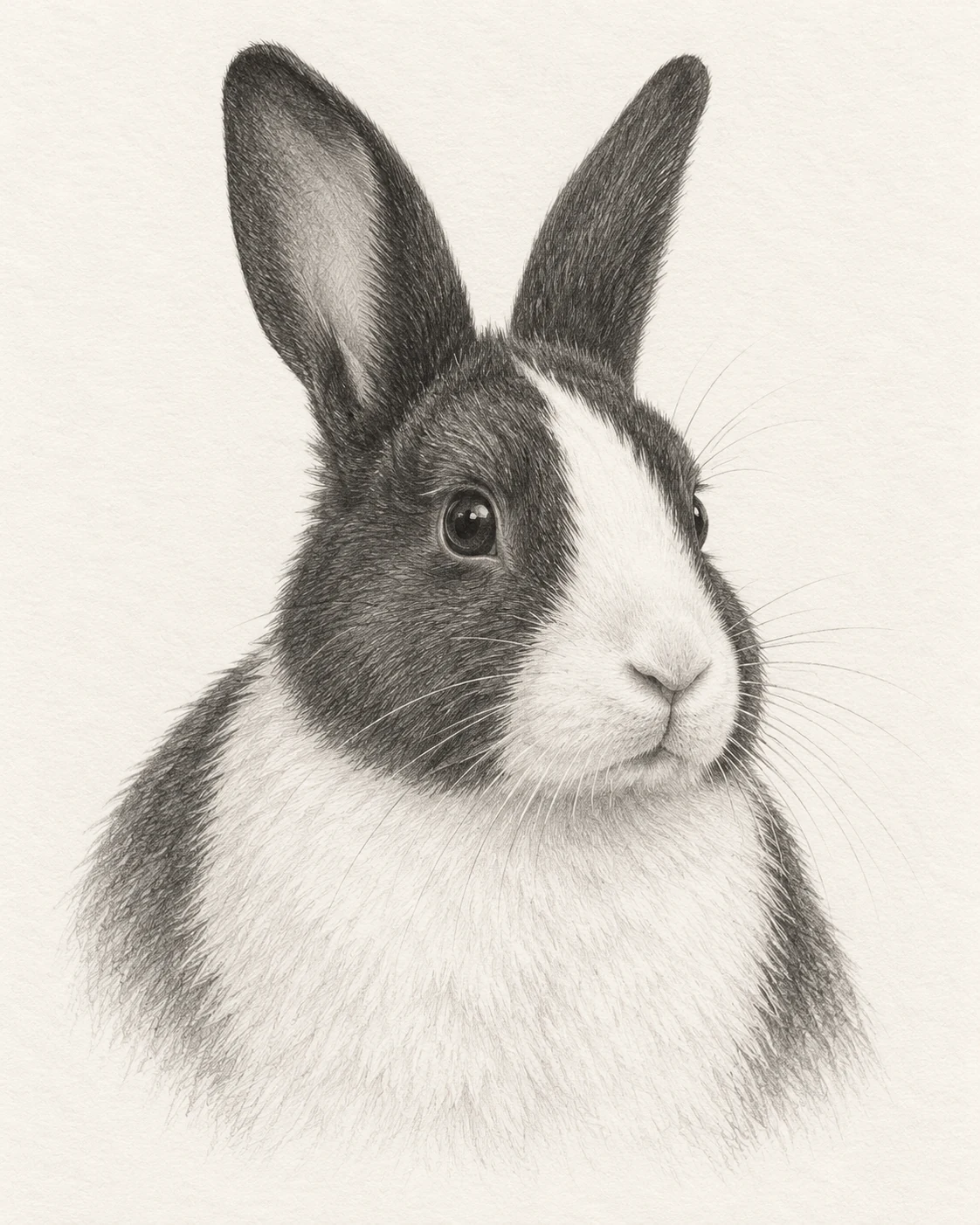
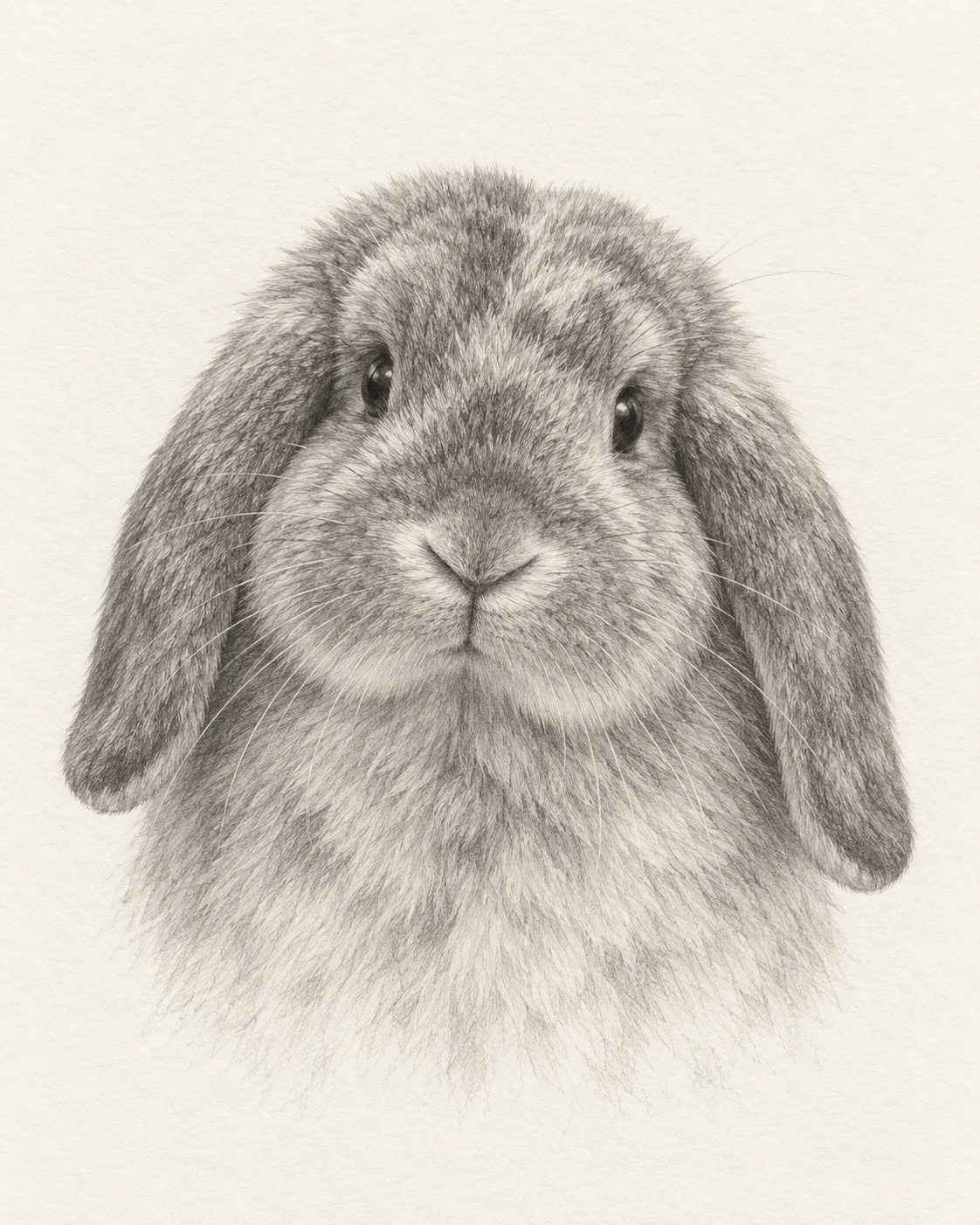
Monochrome pencil detail with soft shading and expressive eyes. Choose a sharp photo with readable eyes and coat markings.
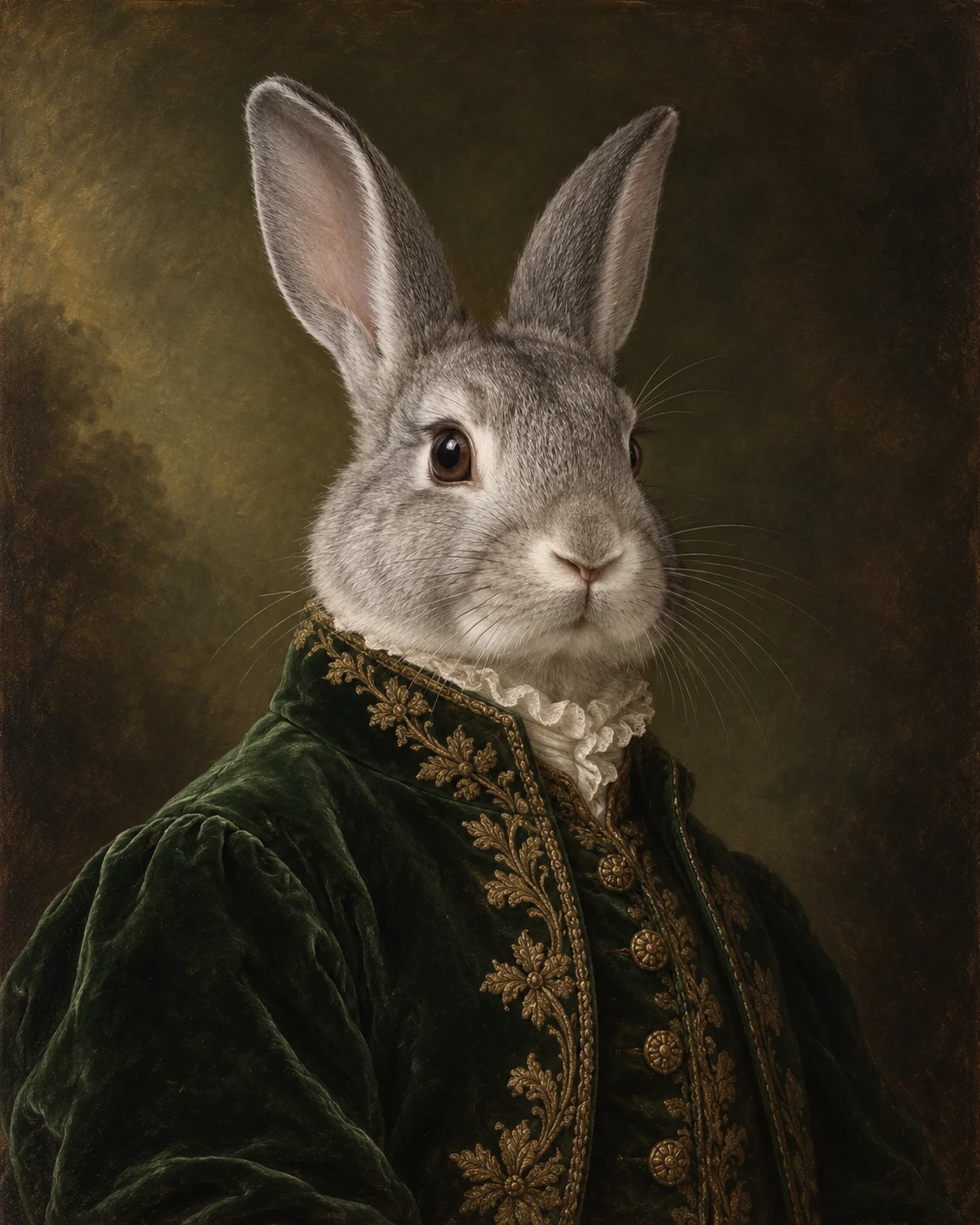
Forest-green velvet, antique-gold embroidery and old-master light. Include the head and chest with both ears unobstructed.
Keep your photo ready while you compare another look. Full-body templates work best with a matching full-body photo.
Pick the medium and pose you like. Open a card to see the larger artwork and photo guidance.
Use a clear photo with complete ears. Include the paws and body for a full-body look.
Generate a watermarked preview and check their expression and markings. Explore download options with your result.
A rabbit portrait should feel like your rabbit. These examples include lop and upright ears, a lionhead mane, white fur, a dark Rex coat and a Dutch blaze. They help you judge the finish; they do not limit which rabbit you can upload.
Soft shadows give white fur definition, while fine pencil strokes bring out dark coats. Compare more watercolor portraits and pencil pet portraits.
Head-and-chest looks keep attention on the eyes and ears. Seated portraits include the paws and rounded body. Relaxed Watercolor uses a horizontal canvas for the stretched-out pose you know from home.
A natural portrait can celebrate your rabbit, decorate their room or become a quiet remembrance. Choose a clean artwork without symbols, or visit pet memorial portraits for names, dates, messages and symbolic designs.
For a playful character portrait, try the green velvet coat above or explore the royal portrait collection.
These portraits are AI-generated images inspired by watercolor, pencil and oil painting. Download options appear with your result. No handmade original, frame or printed canvas is shipped. Check your file’s pixel dimensions with your chosen printer before ordering a print.
View pricing and download optionsChoose a finished look, upload one clear rabbit photo and press the create button. Review the watermarked result, then explore the available download options. Your photo stays ready when you choose another look.
Yes. Bunny and rabbit describe the same pet here. This collection offers six templates in watercolor, colored pencil, graphite and royal oil-painting styles.
The generator is instructed to preserve the visible ear shape, eye color, muzzle and coat markings in your photo. Include both complete ears and check the preview for likeness, especially around white blazes and dark fur.
For Seated Watercolor, use a seated photo showing the body and paws. For Relaxed Watercolor, use a photo of your rabbit already stretched out. A head-only photo cannot reliably describe its hidden body or markings.
Yes. The white-rabbit example uses pale shadows to define the coat, while the black-rabbit colored-pencil example shows detail in dark fur. Use a well-lit source photo rather than an overexposed or very dark image.
A natural portrait can be a quiet keepsake without added symbols. For names, dates, messages and symbolic settings, explore our dedicated pet memorial portrait page.
Not in this workflow. It accepts one source image. These six templates are designed around one rabbit, so this page does not offer separate-photo merging or a dedicated two-rabbit layout.
The result is AI-generated digital artwork inspired by painting or drawing techniques. No handmade original, physical print or frame is shipped. Check the downloaded image dimensions before ordering a print yourself.
Two watermarked previews are available per device or network. See the pricing page for download options and current checkout availability.
Save the generated raster portrait directly to your device.
This is AI-generated digital artwork; no physical item is shipped.